If you live alone and wear a monitored medical alert pendant, a fall can leave you unable to reach the front door. Paramedics facing a locked deadbolt must force entry, costing rescue minutes and damaging your door frame.
An exterior emergency key lockbox prevents that delay when paired with accurate agency records. Setup requires checking local rules first, mounting visible hardware, and filing your code where dispatchers actually see it.
What to gather before buying or mounting a lockbox
Before buying hardware or drilling into siding, gather key rules and measurements from local emergency agencies and your home records. Confirming these details ahead of time prevents buying a lockbox that local responders cannot open.
- Fire department Knox participation: Call the fire department’s non-emergency line to ask whether fire crews and ambulances carry Knox HomeBox master keys.
- County 911 dispatch rules: Call county dispatch’s non-emergency line to confirm whether dispatchers record lockbox codes in computer-aided dispatch (CAD) address notes.
- Alert account procedures: Check your monitoring paperwork or online account to verify operators can store and relay a lockbox code.
- Door and framing measurements: Measure your front door thickness for hanger clearance and locate solid framing or masonry on the latch side of the door.
- Lease or association rules: Check rental agreements or condo bylaws for exterior drilling restrictions.
- Working spare keys: Gather copies of your deadbolt, doorknob, and storm-door keys, test each copy in the lock, and keep car keys out.
As NCOA’s guidance on medical alert systems notes, most adults 65 and older who fall need help getting up. Gathering these facts first prevents buying a box crews cannot open.
Choosing between a push-button key safe and a Knox HomeBox 1501
Responders open lockboxes using either a department master key or a numeric code you set. Fire department policy determines which system works at your address.
| Feature | Push-button key safe | Knox HomeBox 1501 |
|---|---|---|
| How crews open it | A code you choose, relayed by dispatch or your alert company | The fire department’s master key |
| Where it works | Anywhere, once the code is on file | Only where departments join Knox’s home program |
| Code to manage | Yes; reset whenever helpers change | None |
| Mounting | Wall mount into framing, or shackle over handle or railing | Wall mount (1501), or hangers for doors up to 2 inches thick (1501DH) and security doors (1501SH) |
| Where to buy | Hardware stores and online retailers | KnoxBox.com, ordered under your local agency |
A push-button key safe works anywhere once dispatch and your monitoring company hold the code. Choose raised push buttons over small dials so arthritic fingers can press them and responders can read them by flashlight.
Pick a model with a rubber hood or shutter to block rain and ice. Confirm the interior holds your deadbolt and storm-door keys without crowding.
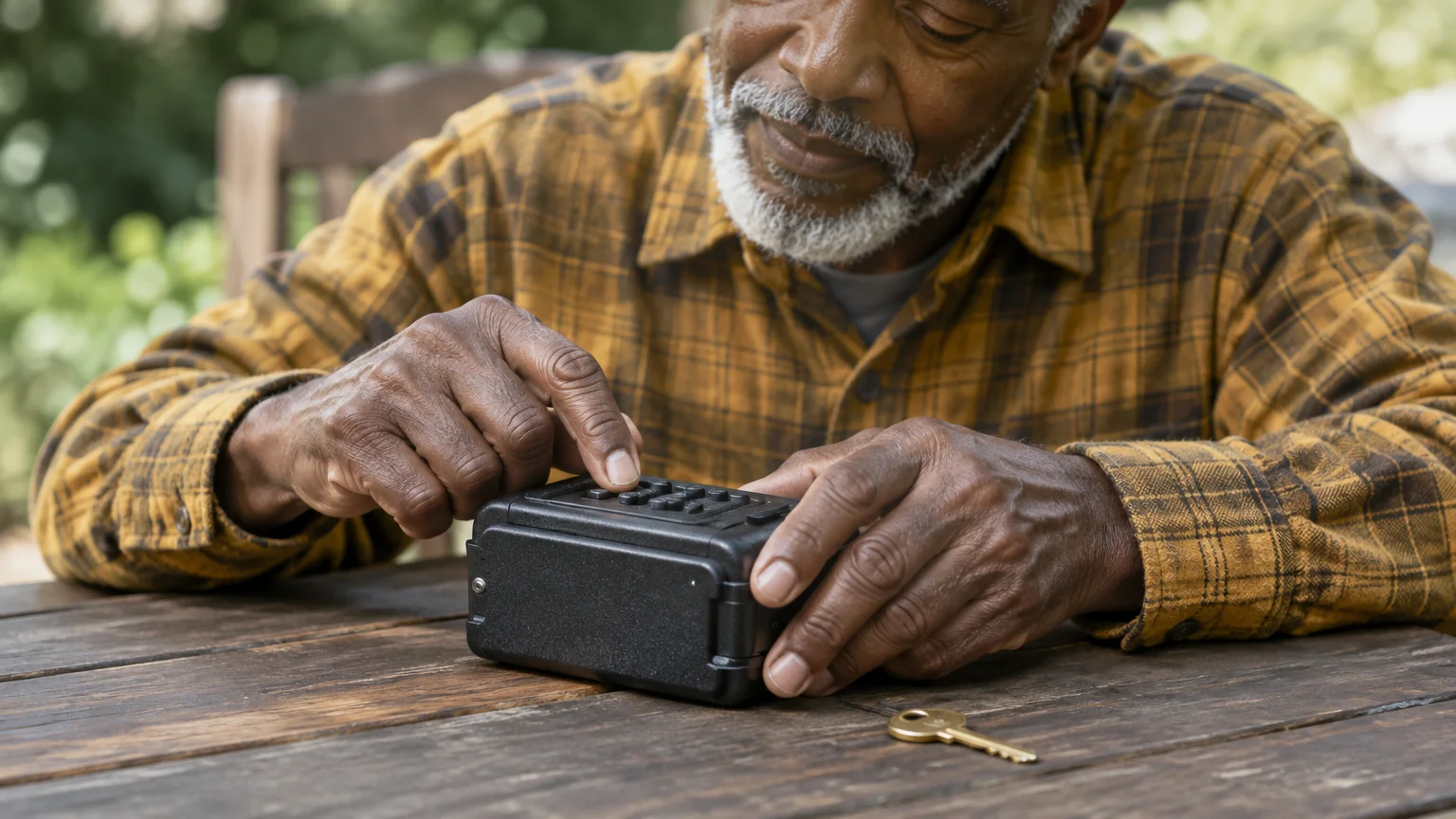
Where fire crews participate, the Knox HomeBox product page lists Model 1501 at $227 in 2026. Only the fire department’s master key opens it, leaving no code to manage.
Where drilling is barred, Knox sells door-hanging versions: Model 1501DH for standard doors up to 2 inches thick and 1501SH for security doors.
Orders go through KnoxBox.com under your local agency. Depending on the town, Knox’s ordering rules allow instant Express Ordering or require department eApproval first.
Where to mount the box and protect your access code
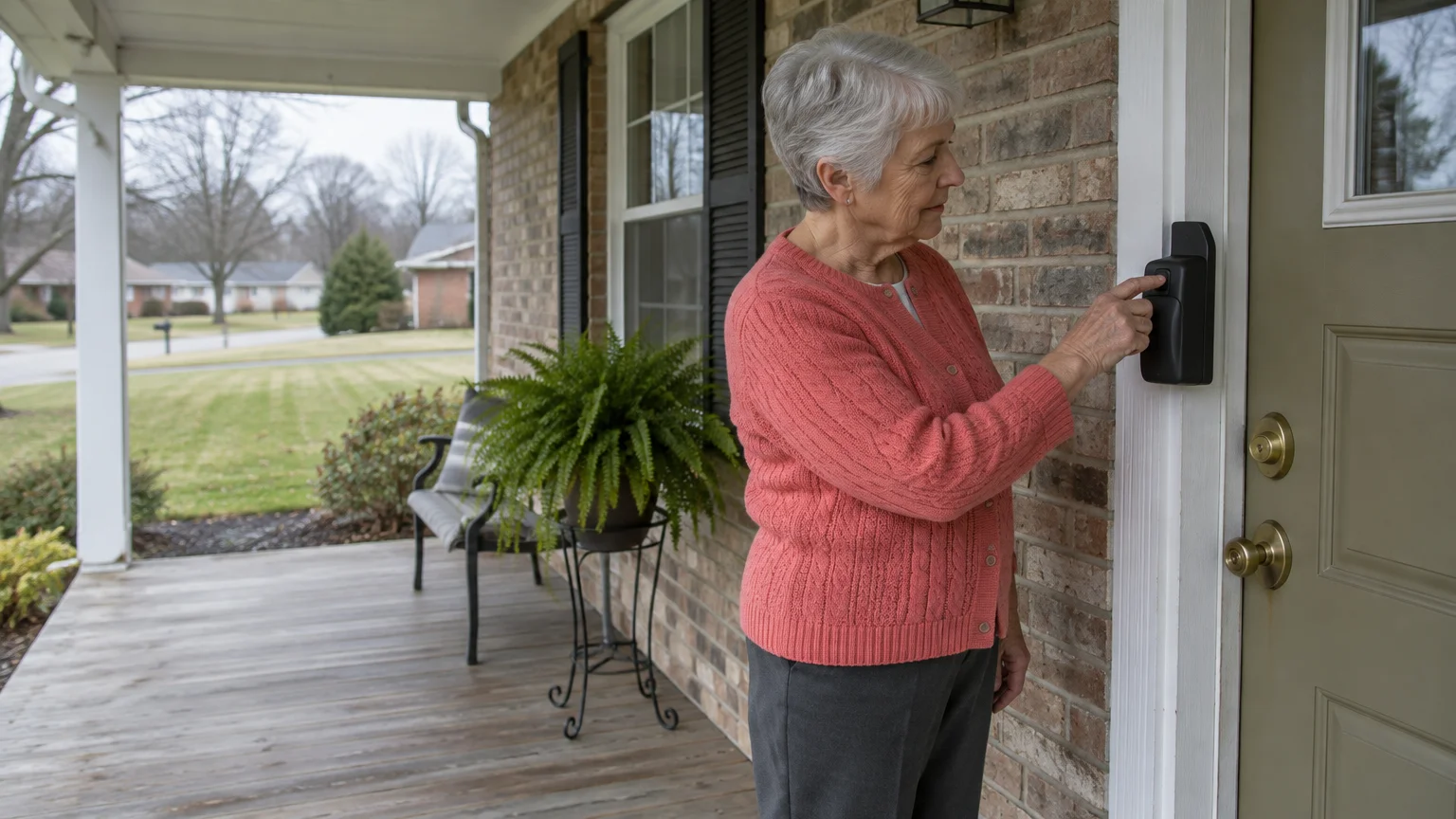
Paramedics look at the primary door they plan to enter. Mount the box on the latch side of your front door, roughly 4 to 5 feet up, unless your fire department specifies otherwise.
Never hide the box behind shrubs, under a fake rock, or around a side wall. Crews who cannot spot it within seconds will force the door.
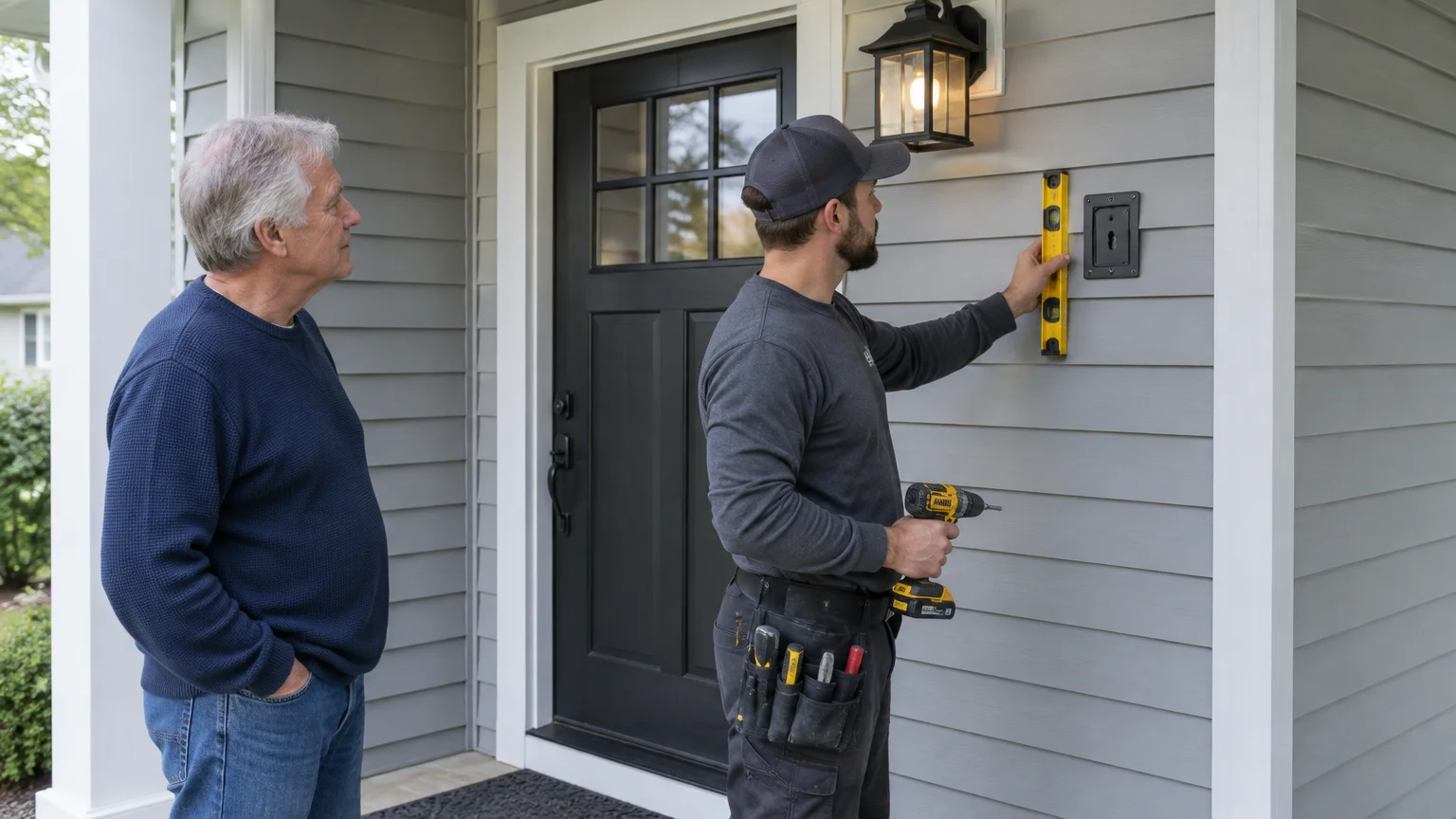
Anchor wall boxes with exterior-grade screws into a stud or solid masonry, never thin siding alone. Renters and condo owners can use a shackle or door-hanging model instead.
Keep the porch lit so crews see your house number and keypad at night. Our guide to walkway lighting to prevent nighttime falls covers dusk-to-dawn fixtures for paths and entries.
Avoid codes matching your house number, birth year, or 1234. Never write the code on or near the box.
Why alert pendant calls bypass residential Smart911 profiles
Many retirees put their lockbox code in a Smart911 Safety Profile and assume paramedics receive it automatically. If you wear a medical alert pendant, that assumption leaves crews without your code.
Smart911 ties your profile to your registered landline or mobile phone numbers. Dispatch screens display your entry notes only when 911 receives a call from one of those numbers.
When you press a medical alert pendant, the signal goes to a commercial monitoring center first. An operator then calls 911 over a third-party commercial phone trunk rather than your home line.
Because the call reaches 911 from a commercial trunk instead of your registered telephone, Smart911 never triggers at dispatch. Profiles also pause if you miss Smart911’s six-month confirmation.
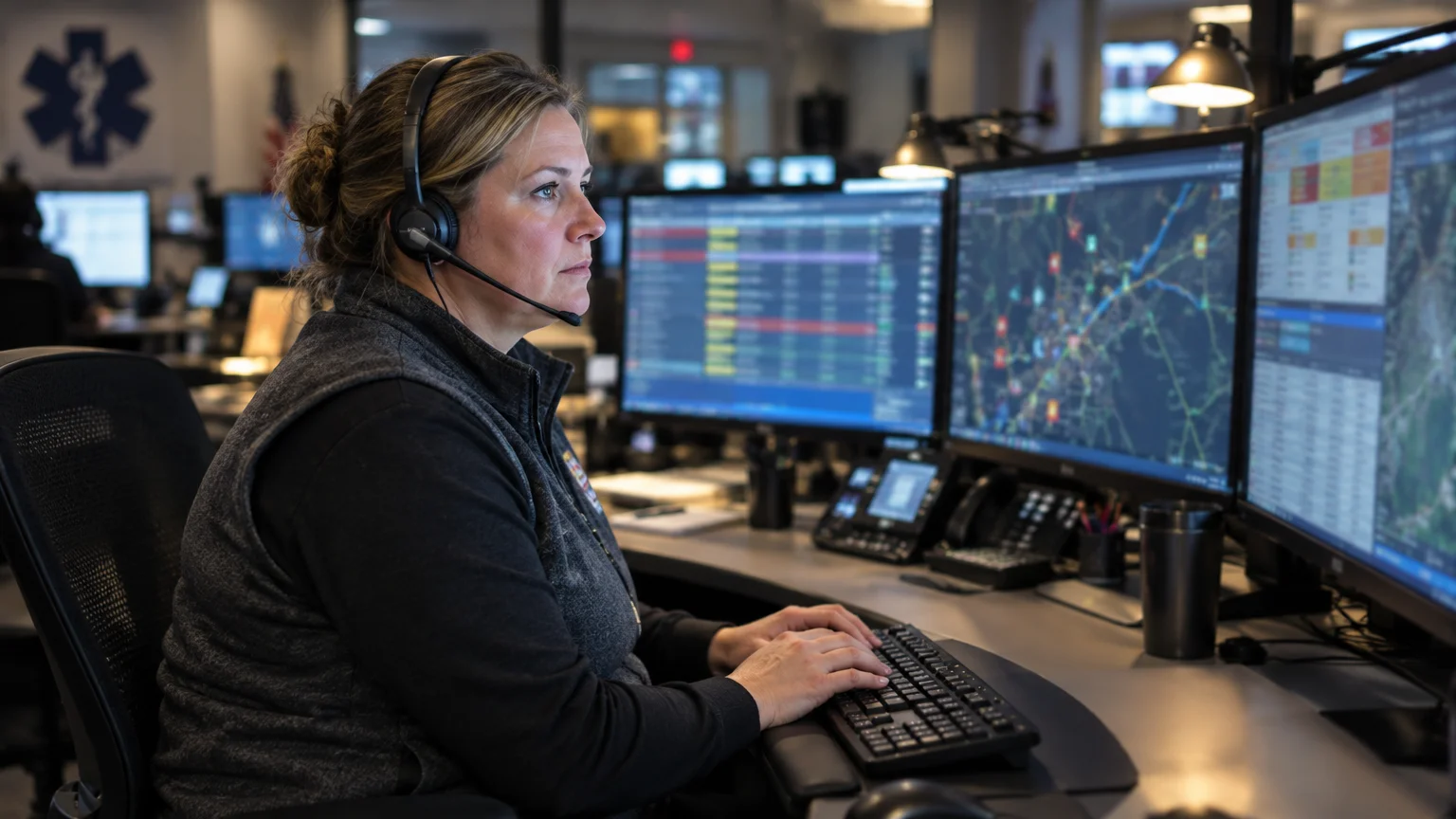
File your lockbox location and code directly in county dispatch CAD notes and on your medical alert account. Dual filing lets dispatchers radio the code while crews are en route.
Filing your code and finding free local lockbox programs
When your box is mounted and tested, use the agency contacts you gathered earlier to register your entry details across six steps:
- Call your local non-emergency line: Ask county dispatch or the fire desk to add a permanent lockbox note to your address in CAD, never dialing 911.
- Give exact location details: State your address, box placement such as left of the front door 5 feet up, the code, and that you live alone.
- Update your alert company: Log the code and location on your account; our comparison of monitored and unmonitored fall alerts notes that unmonitored buttons only call family.
- Create a Smart911 Safety Profile: Enter your lockbox location, medical conditions, medications, and emergency contacts for direct phone calls to 911.
- Leave a spare key nearby: Give a key to a trusted neighbor or relative as backup, following the National Institute on Aging’s guide to aging in place.
- Set a six-month reminder: Schedule a recurring reminder to confirm records and test the box.
Some fire departments and sheriff’s offices give out or install lockboxes free for older residents living alone, often through TRIAD partnerships. Ask on your first non-emergency call, and confirm who holds the code.
Your local Area Agency on Aging, found through the Eldercare Locator, can also identify county safety programs. NCOA’s guide to paying for medical alert systems notes Original Medicare does not cover alert systems or lockboxes.
If volunteers or an agency are visiting to add grab bars or a ramp, ask them to mount your lockbox too. Our guide to home modifications for aging in place covers other projects worth bundling.
A one-hour setup schedule and six-month checkup routine
For a homeowner in their mid-70s living alone with a heart rhythm condition where fire crews do not use Knox, setup takes about an hour:
- Mounting (about 30 minutes): Screw the push-button safe into a stud beside the front door, latch side, about 52 inches up, after testing the deadbolt key.
- Dispatch call (about 15 minutes): Add the box placement, code, and living-alone status to your CAD address note.
- Alert company (about 10 minutes): Log the same code and placement on your monitoring account.
- Smart911 profile (about 15 minutes): Enter your heart condition, medications, entry notes, and two contacts.
- Neighbor backup: Give a spare key to a neighbor two doors down.
Adding daily check-in calls covers a gap a lockbox cannot solve: a fall where your pendant never gets pressed.
Every six months, test the stored key in your deadbolt, inspect the keypad cover for cracks, and apply dry graphite lubricant if buttons stick. Avoid oily sprays that collect grit and stiffen in cold.
Confirm your Smart911 profile and call dispatch’s non-emergency line the same day to confirm your note survived system updates. Change the code and update dispatch, your alert company, and Smart911 the same day whenever an aide or contractor stops visiting.
Ask dispatch to delete your note if you move so old codes leave the file. Even with a lockbox, crews may force entry when there is fire or smoke, or when seconds matter more than the door.