
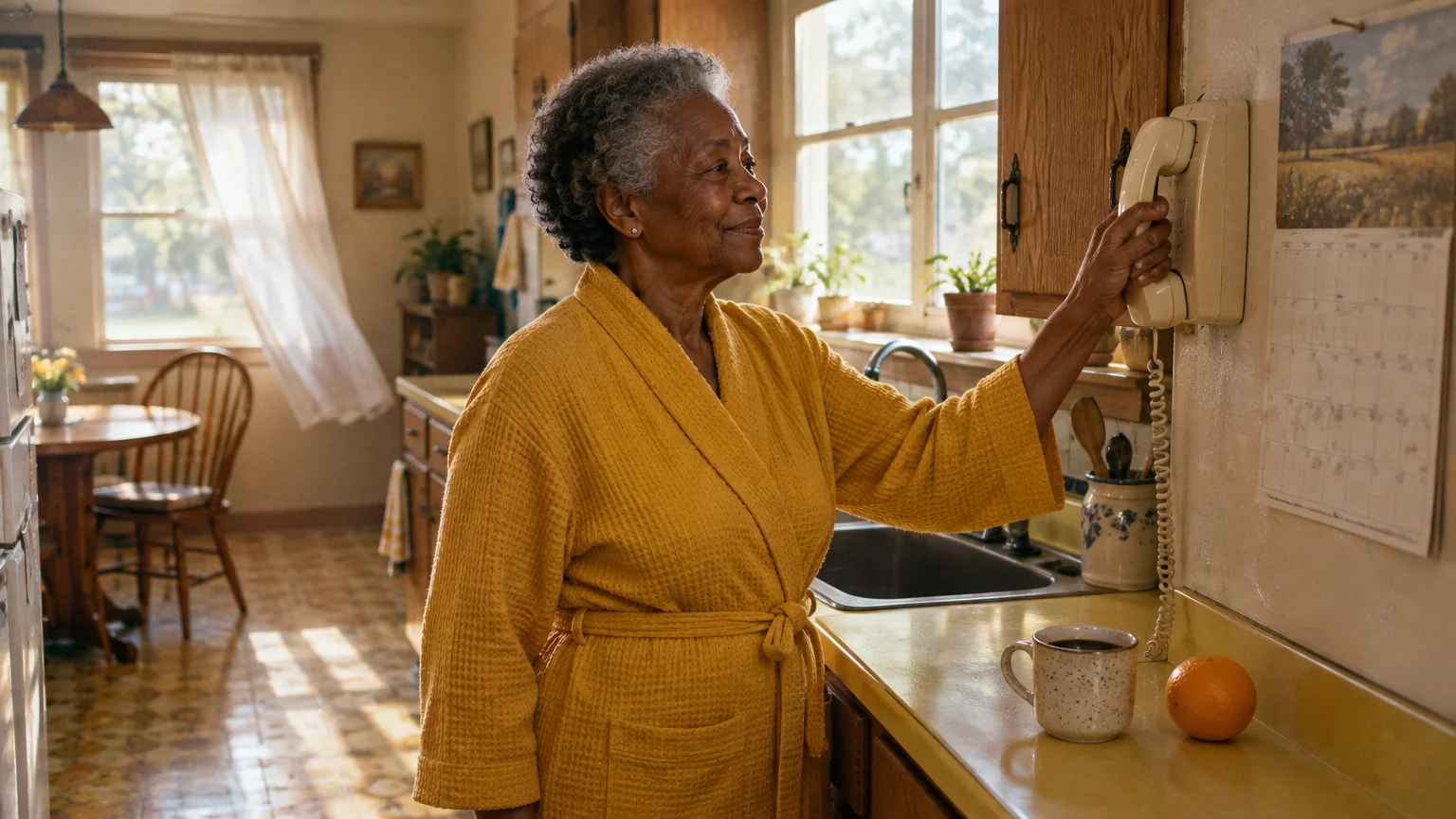
Living alone at 76 while your adult children live across the country creates a specific safety challenge each morning. A reliable daily check-in confirms your well-being without making your family worry through unanswered phone calls.
Setting up designated emergency contacts often pairs well with establishing healthcare directives through affordable legal aid for seniors.
County sheriff check-in calls provide the fastest free emergency response when you do not answer, but they trigger destructive home entries unless you pair them with an exterior lockbox and strict vacation protocols.
This guide compares free municipal programs, volunteer reassurance calls, and ambient motion sensors to help you establish a dependable daily safety routine today.
In this guide8 sections
- County Sheriff ‘Are You OK?’ Automated Call Programs
- Volunteer Telephone Reassurance Networks
- Ambient Smart-Sensor Systems: Check-Ins Without the Phone
- Comparing Daily Safety Check Systems
- Lockbox and Dispatch Protocols to Prevent Forced Entry
- Worked Example: Implementing a Redundant Check-In Routine
- Step-by-Step Enrollment Guide for Seniors Living Alone
- Frequently Asked Questions
County Sheriff ‘Are You OK?’ Automated Call Programs
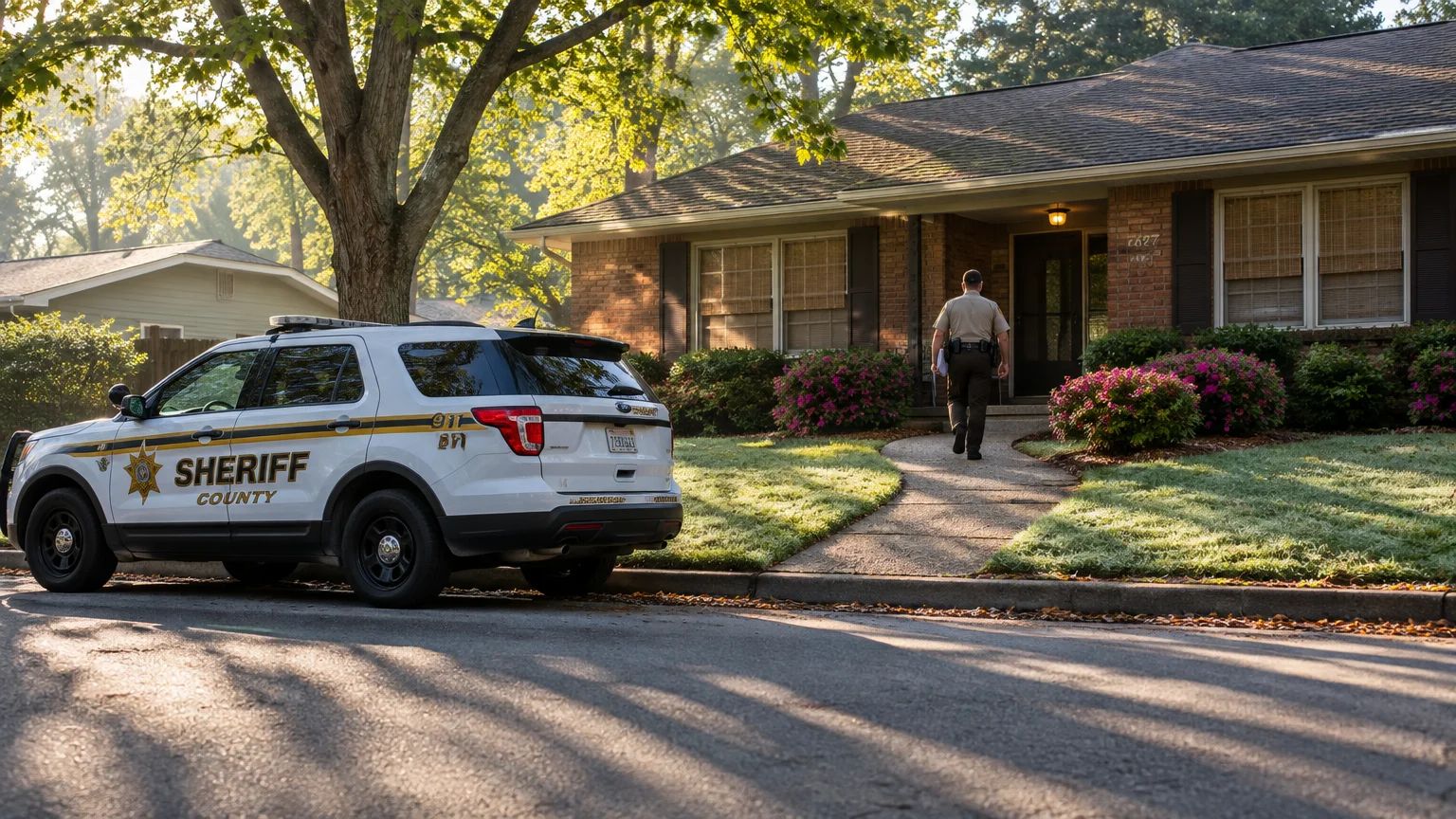
Many county sheriff departments and local police agencies run automated safety services for independent older adults. These services are commonly branded as the sheriff are you ok program, RUOK, Senior Roll Call, or YANA (You Are Not Alone).
Many older adults combine these regular check-ins with unmonitored or monitored fall alerts for immediate emergency detection around the clock.
Pairing daily automated calls with routine home safety checks ensures both your personal well-being and your living environment stay secure.
According to the Administration for Community Living, roughly 28% of community-dwelling older adults live alone. That proportion rises above 40% for women aged 75 and older, increasing the demand for automated public safety monitoring.
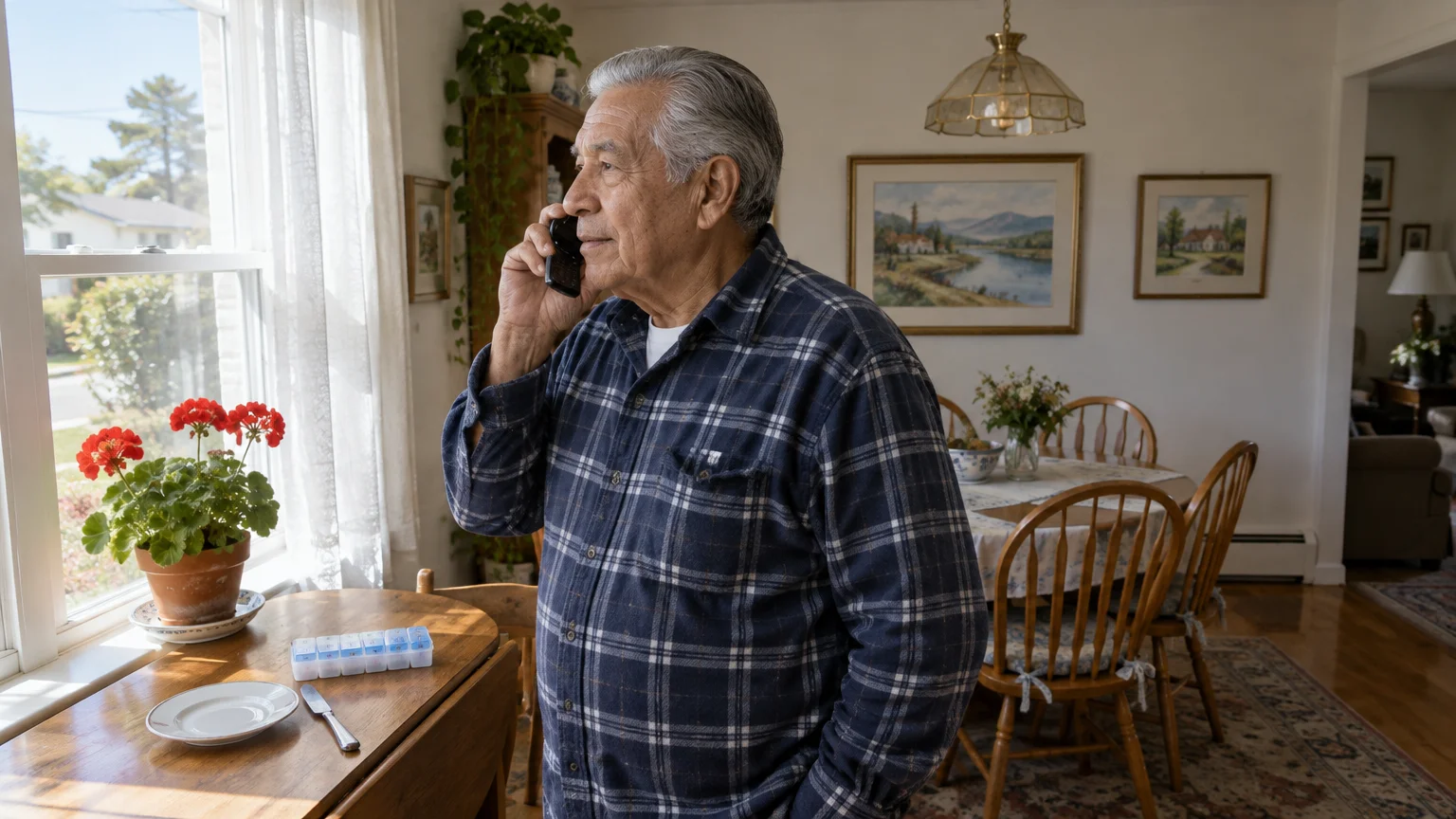
These computerized calling systems dial your landline or mobile phone every morning at a scheduled time you select. Most agencies let you choose a 30-minute arrival window between 7:00 AM and 10:00 AM.
When the phone rings, you pick up the receiver and press a pre-assigned key, such as 1, to confirm you are safe. If your line is busy or you do not answer, the software waits five minutes and dials a second time.
If the second attempt fails, the agency begins an escalating alert procedure. The automated software alerts local 911 dispatchers, who immediately attempt to call your designated emergency keyholders.
Standard municipal programs share several foundational features across jurisdictions:
- Taxpayer-funded operations: County sheriff and municipal police departments provide these programs at no direct charge to residents.
- Custom call scheduling: You select the exact morning hour that matches your normal waking routine.
- Automated acknowledgment: You verify your physical safety by pressing a numeric phone button or speaking into the receiver.
- Direct dispatcher escalation: Sworn dispatchers manage failed contact attempts rather than private third-party call centers.
- Mandatory emergency contacts: Enrollment requires at least two local contacts with physical house keys.
These services operate strictly as public safety tools rather than social visits. The computer software disconnects as soon as you press the confirmation digit, making the process fast and predictable each morning.
Volunteer Telephone Reassurance Networks
Automated phone calls verify physical safety, but they do not provide human interaction. Volunteer programs delivering daily telephone reassurance elderly adults rely on bridge the gap between safety checks and conversational connection.
Because illegitimate callers sometimes pose as community services, learning about avoiding phone scams targeting seniors helps verify that outreach is genuine.
You can explore regional wellness initiatives and related assistance across our state-specific benefits directory.
Non-profit organizations, civic groups, and local Area Agencies on Aging coordinate these networks. You can locate your regional provider through the Eldercare Locator, a public service of the U.S. Administration on Community Living.
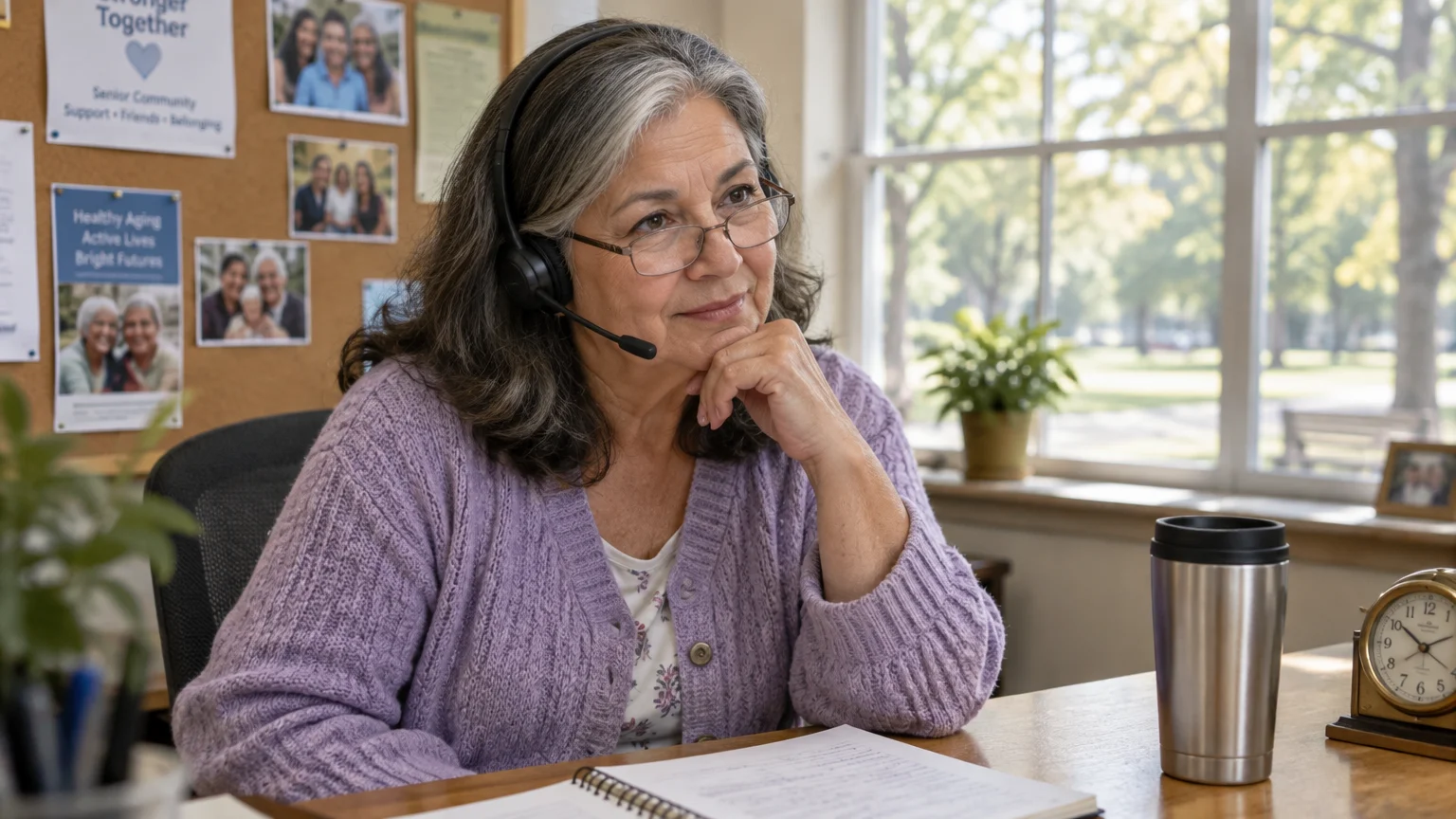
Unlike automated systems, a volunteer phone check-in involves a live person who dials your home each morning. The volunteer talks with you for five to fifteen minutes to verify your health, mobility, and emotional state.
State agencies sometimes fund these programs directly. For example, the Maryland Department of Aging operates the Maryland Senior Call Check, providing free daily automated checks paired with human volunteer outreach.
Volunteer networks operate under specific procedural guidelines to keep participants safe:
- Structured conversation windows: Volunteers place calls during a consistent two-hour window agreed upon during intake.
- Health and wellness prompts: Callers ask concrete questions regarding hydration, medication schedules, and daily plans.
- Secondary contact outreach: If you miss a call, the volunteer notifies a supervisor, who contacts your out-of-state family.
- Law enforcement backstop: The program contacts local emergency dispatch only after exhausted contact lists indicate a potential crisis.
Volunteer networks suit seniors who want social engagement alongside basic safety verification. However, their escalation speed is often slower than county sheriff systems, which dispatch deputies immediately after missed automated attempts.
Advocacy groups like AARP highlight that regular social contact reduces the health risks linked to prolonged social isolation among older adults.
Ambient Smart-Sensor Systems: Check-Ins Without the Phone
Some seniors dislike answering phone calls every morning or frequently forget to pick up the receiver. Ambient smart-sensor systems confirm your safety passively without requiring you to answer a phone or press a pendant button.
Older adults exploring digital equipment can also review low-cost internet programs for seniors to keep home connectivity expenses down.
Adopting senior-friendly technology makes it easier to manage automated devices without feeling overwhelmed by complex digital setups.
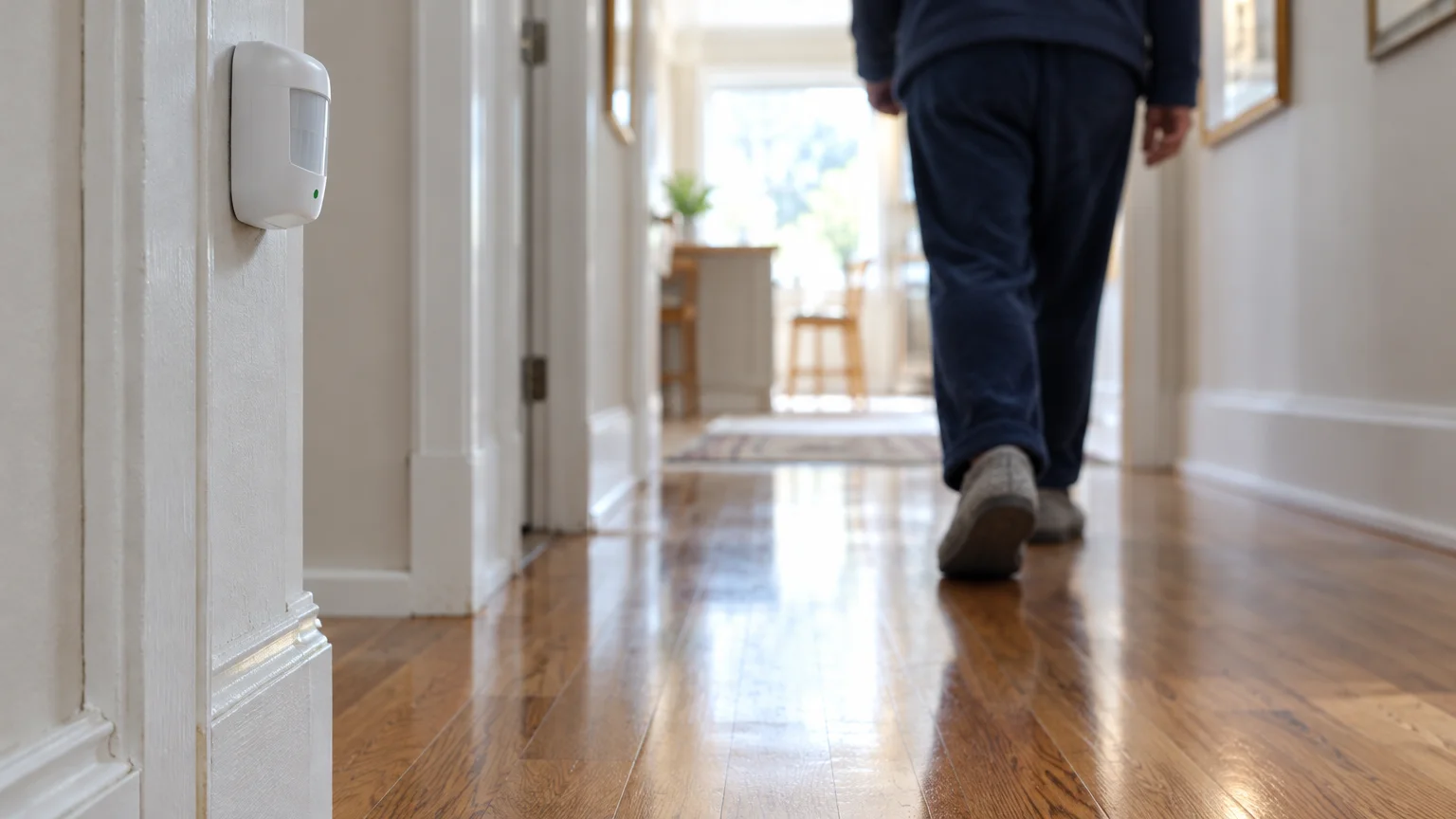
These systems use wireless motion detectors, door-hinge contacts, and bed sensors placed inside your home. They track physical activity patterns and report safety status directly to your family through a smartphone app.
A central base station connects to your home internet or uses a built-in cellular card to transmit data. No cameras or audio recording microphones are used, which preserves your personal privacy inside private rooms.
A standard senior safety sensor setup includes the following hardware elements:
- Main cellular gateway: Communicates activity data to the cloud without relying on home Wi-Fi connections.
- Bathroom door magnetic contacts: Logs morning movement between your bedroom and the bathroom.
- Refrigerator door contact sensor: Confirms you accessed breakfast food or water within your normal morning timeframe.
- Hallway passive infrared (PIR) motion sensors: Tracks general physical movement across high-traffic living spaces.
Your out-of-state family configures threshold rules inside the companion software. If the system detects zero motion between 7:00 AM and 9:30 AM, it sends an alert to your daughter’s smartphone.
This approach eliminates the pressure of reaching a ringing telephone while dressing or preparing breakfast. However, smart-sensor hardware requires an initial equipment investment and occasional battery replacements every twelve to twenty-four months.
Comparing Daily Safety Check Systems
Selecting the right service depends on your budget, your desire for human conversation, and how quickly you need emergency responders at your door. The table below compares four major approaches to daily safety verification.
Staying connected with modern tools is also covered in our guide on digital communication for grandparents to keep long-distance families close.
If ongoing connectivity costs are a concern, look into how to apply for the Lifeline internet discount to lower the monthly bills for cellular gateways or smart devices.
| System Type | Monthly Fee | Equipment Cost | Daily User Action Required | Emergency Escalation Path |
|---|---|---|---|---|
| Sheriff Department (RUOK) | $0.00 | $0.00 | Answer call and press phone key | Direct deputy dispatch to home address |
| Volunteer Telephone Reassurance | $0.00 | $0.00 | Engage in 5-minute phone conversation | Supervisor calls out-of-state family contacts |
| Commercial Check-In App (e.g., Snug Safety Dispatch) | $19.99 | $0.00 (uses existing smartphone) | Press single button inside mobile app | Live dispatcher calls contacts, then 911 |
| Passive Cellular Sensor Kit | $20.00–$45.00 | $120.00–$250.00 | None (passive movement detection) | App alerts family to call emergency services |
Sheriff programs deliver the fastest physical response because municipal dispatchers handle the calls directly. Private apps and sensor systems rely on your out-of-state relatives to see an alert and call your local police dispatch.
Volunteer lines cost nothing and reduce feelings of loneliness, but they cannot provide immediate tactical entry if you collapse. Combining a free sheriff call with family sensor alerts provides the most balanced protection.
Lockbox and Dispatch Protocols to Prevent Forced Entry
Sheriff check-in programs solve the problem of undetected falls, but they create a property damage risk if you do not prepare your home. When you fail to answer, deputies assume you are incapacitated inside.
Those evaluating overall independent living arrangements might also consult guides on affordable housing programs for seniors for communities offering built-in check-in amenities.
Many retirees also integrate these lockbox procedures into broader home security systems that deter intruders while keeping emergency responders properly accommodated.
If your doors are deadbolted and your local keyholder is unavailable, responding officers must use a halligan bar or sledgehammer to force entry. Replacing an exterior door and broken doorframe costs between $450 and $1,200.
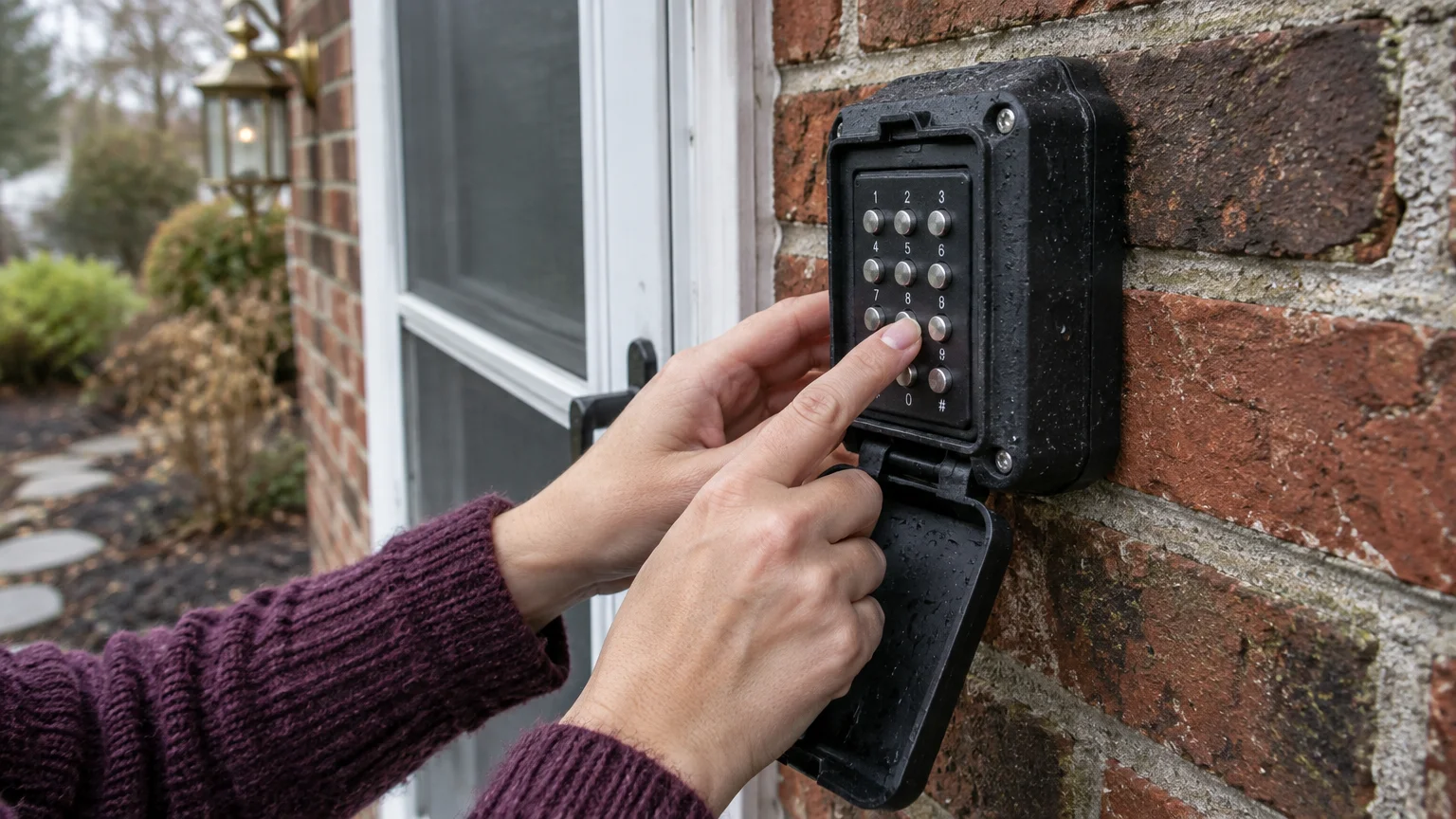
You can prevent destructive entry by installing an exterior secure lockbox. Hardware units like the Master Lock 5400D or Kidde AccessPoint KeySafe attach directly to an exterior pipe, railing, or wall.
Equipping your residence properly requires completing four basic security tasks:
- Mount a reinforced steel lockbox: Secure the unit to a sturdy, discreet structure out of sight from the street.
- Insert a tested spare key: Use a newly cut brass deadbolt key and test it three times before locking the box.
- Register the code with CAD: Supply the four-digit combination directly to county dispatch for your Computer-Aided Dispatch (CAD) address profile.
- Authorize fire and police access: Sign the municipal waiver allowing first responders to access the lockbox during welfare checks.
Establishing clear leave-of-absence rules is equally vital. If you schedule an early doctor visit or leave for a weekend trip, you must notify the program coordinator in advance.
Most sheriff programs provide an automated suspension phone number. Dialing the administrative desk 24 hours before your trip stops the automated dialer and prevents unnecessary emergency responses to your empty house.
Worked Example: Implementing a Redundant Check-In Routine
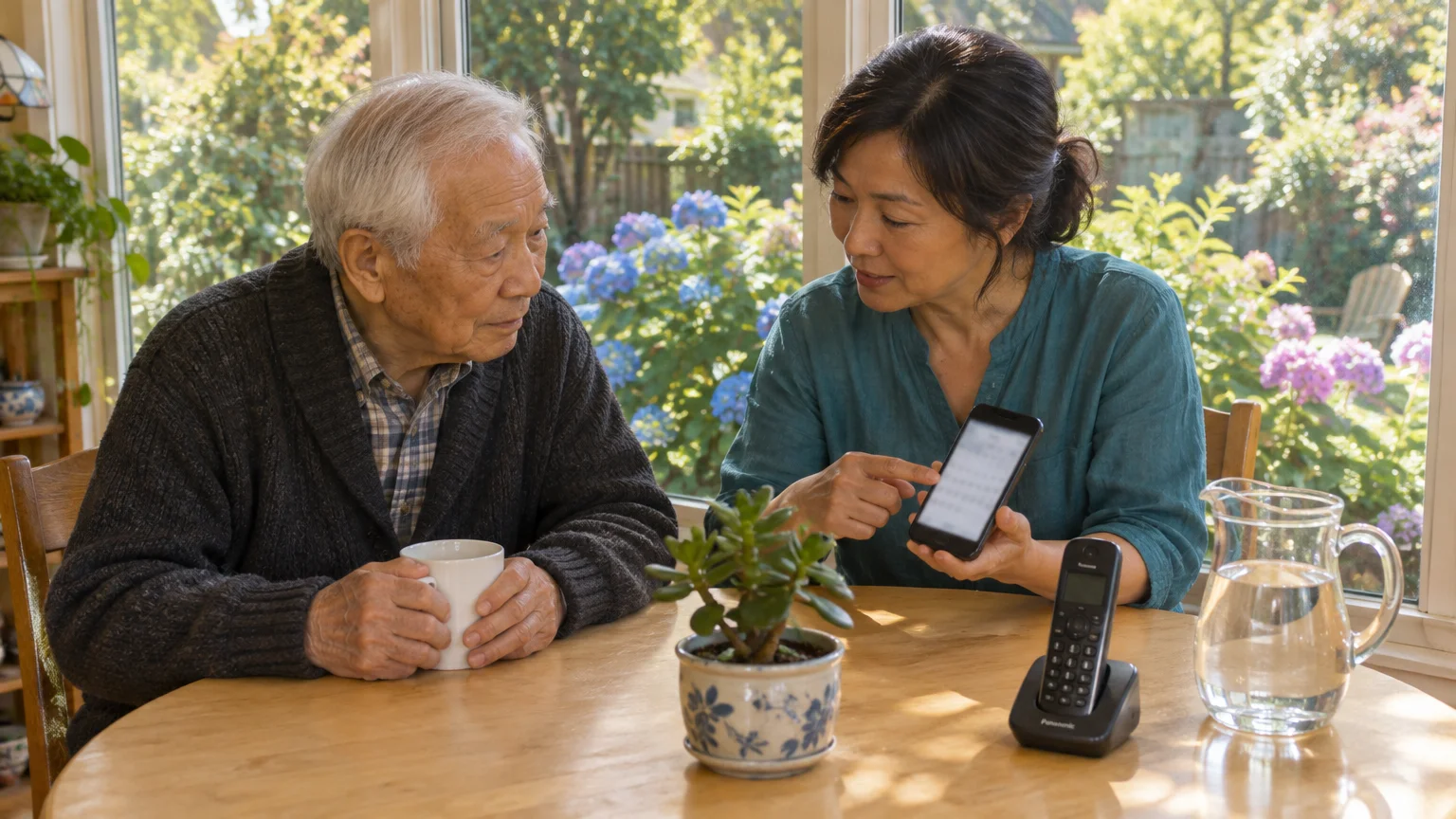
Consider Arthur, a 76-year-old living alone in suburban Ohio whose daughter lives in Denver. Arthur wants daily confirmation of safety that does not require his daughter to step away from work meetings each morning.
Arthur establishes a low-cost, redundant check-in routine combining a municipal sheriff program with an app-based mobile confirmation. His daily timeline and out-of-pocket expenses illustrate how this system operates in practice.
His weekday schedule runs on a strict morning timeline:
- 7:30 AM: Arthur wakes up and opens the free tier of the Snug Safety app on his smartphone, pressing the green check-in button.
- 7:31 AM: The app sends an automated confirmation message to his daughter in Denver, confirming he is awake.
- 8:15 AM: The Franklin County Sheriff RUOK system dials Arthur’s landline telephone.
- 8:15:20 AM: Arthur answers the call, listens to the automated greeting, and presses 1 on his telephone keypad.
- 8:15:25 AM: The system logs Arthur as verified and disconnects, concluding his daily safety requirements.
Arthur also prepares for sudden emergencies where he cannot reach the telephone or smartphone. He purchases and installs the necessary entry hardware to protect his home from structural damage.
Arthur’s hardware and setup expenses breakdown as follows:
- Master Lock 5400D lockbox: $24.98 purchased from a local hardware store.
- Spare deadbolt key duplicates: $4.50 for two brass keys cut at the counter.
- Sheriff RUOK program enrollment: $0.00 for municipal participation.
- Snug Safety base app subscription: $0.00 per month for daily self-check alerts.
- Total out-of-pocket setup investment: $29.48 one-time expense.
If Arthur experiences a fall at 8:00 AM, the sheriff system dials at 8:15 AM without an answer. The system redials at 8:20 AM, then alerts the dispatcher at 8:25 AM.
The dispatcher contacts Arthur’s neighbor, who is at work, and immediately dispatches a patrol car at 8:28 AM. Officers arrive at 8:38 AM, retrieve the lockbox combination from their CAD terminal, unlock the door, and provide medical aid within 23 minutes of the missed call.
Step-by-Step Enrollment Guide for Seniors Living Alone
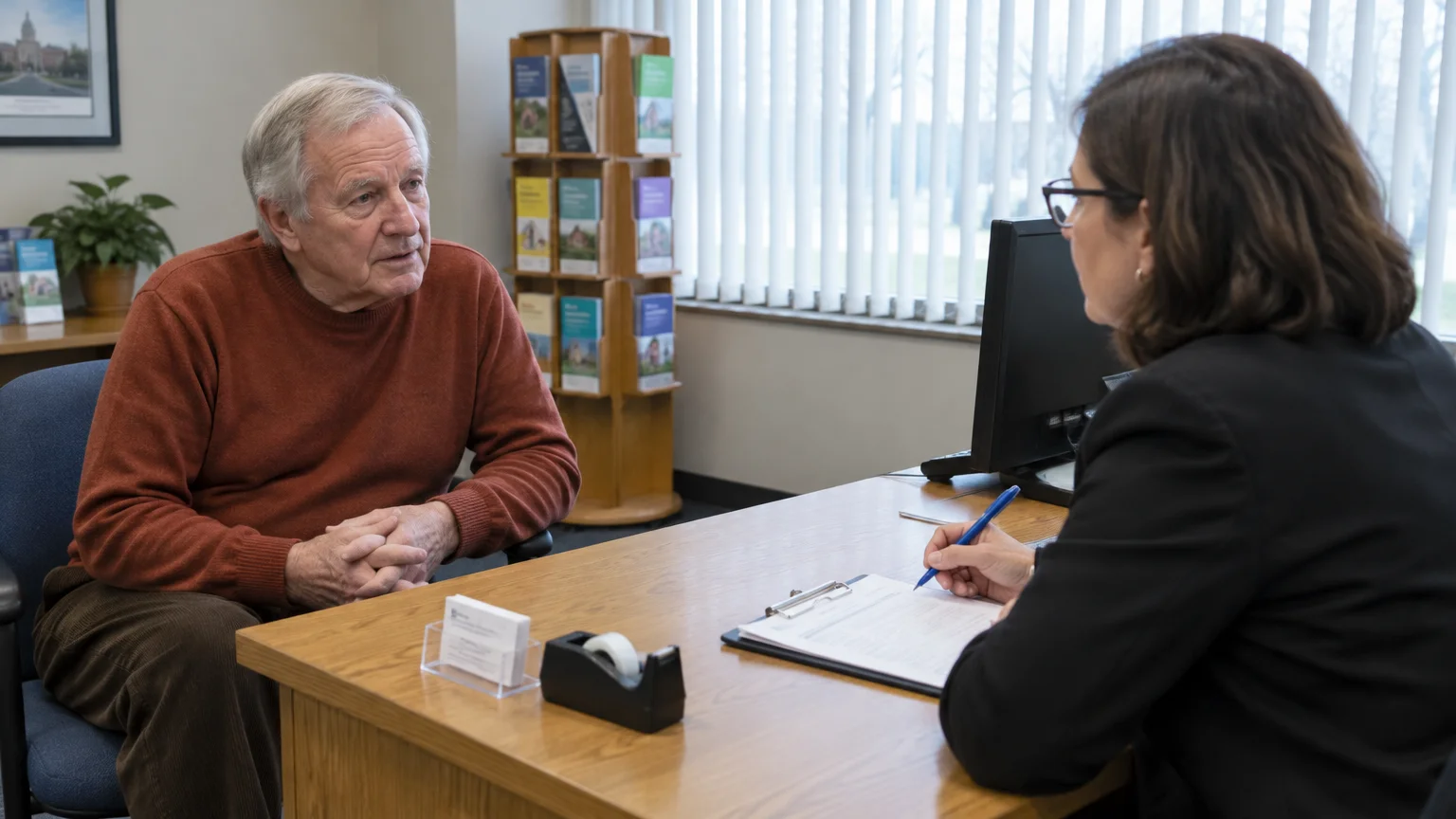
Enrolling in daily check in calls seniors rely on requires gathering personal information and contacting the correct public agency. Follow these numbered steps to configure your service correctly.
- Identify your local law enforcement agency: Determine whether your property falls under the jurisdiction of a municipal city police department or your county sheriff office.
- Call the non-emergency administrative line: Ask the administrative clerk whether the department operates an “RUOK,” “Are You OK?,” or “Senior Welfare Check” daily calling service.
- Request an intake application: Download the form from the agency website or request that a community service officer mail a physical copy to your residence.
- Identify two local emergency keyholders: List two trusted neighbors or nearby friends who hold physical keys to your residence and agree to respond if called.
- Purchase and mount a combination lockbox: Secure the lockbox near your primary entry door and place a verified house key inside the compartment.
- Document medical conditions and physician info: Complete the intake packet medical sheet, listing chronic illnesses, primary medications, preferred hospitals, and your primary doctor.
- Submit the packet and schedule a test call: Deliver the application with your lockbox code, sign the entry release waiver, and confirm your first scheduled call date.
Keep a physical copy of your enrollment packet on your refrigerator door. First responders look for medical packets on kitchen refrigerators during emergency calls.
Frequently Asked Questions
What happens if I sleep through my scheduled check-in call?
The automated calling system waits between five and ten minutes before dialing your phone a second time. If you do not answer the repeat attempt, dispatchers contact your secondary keyholders before sending an officer to check your home.
Do daily check-in calls work on cell phones or only traditional landlines?
Modern check-in software programs dial both traditional copper landlines and cellular phone numbers without restriction. However, you must keep your cell phone charged and located within hearing range during your selected call window.
How do I notify the program when I go on vacation or visit family?
You must call your program coordinator or non-emergency dispatch desk at least 24 hours before your trip begins. The administrative clerk suspends your daily calling profile until the return date you provide.
Can I use a commercial daily check-in app alongside a sheriff program?
Yes, running an app like Snug Safety alongside a county sheriff automated call creates a dependable backup system. The mobile app notifies out-of-state family directly, while the sheriff program coordinates rapid first-responder entry if an accident occurs.
Disclaimer: This article is for informational purposes only. Benefits, programs, and regulations can change.
We encourage readers to verify current information with official government sources and consult with qualified professionals for personalized advice.


1 Comment