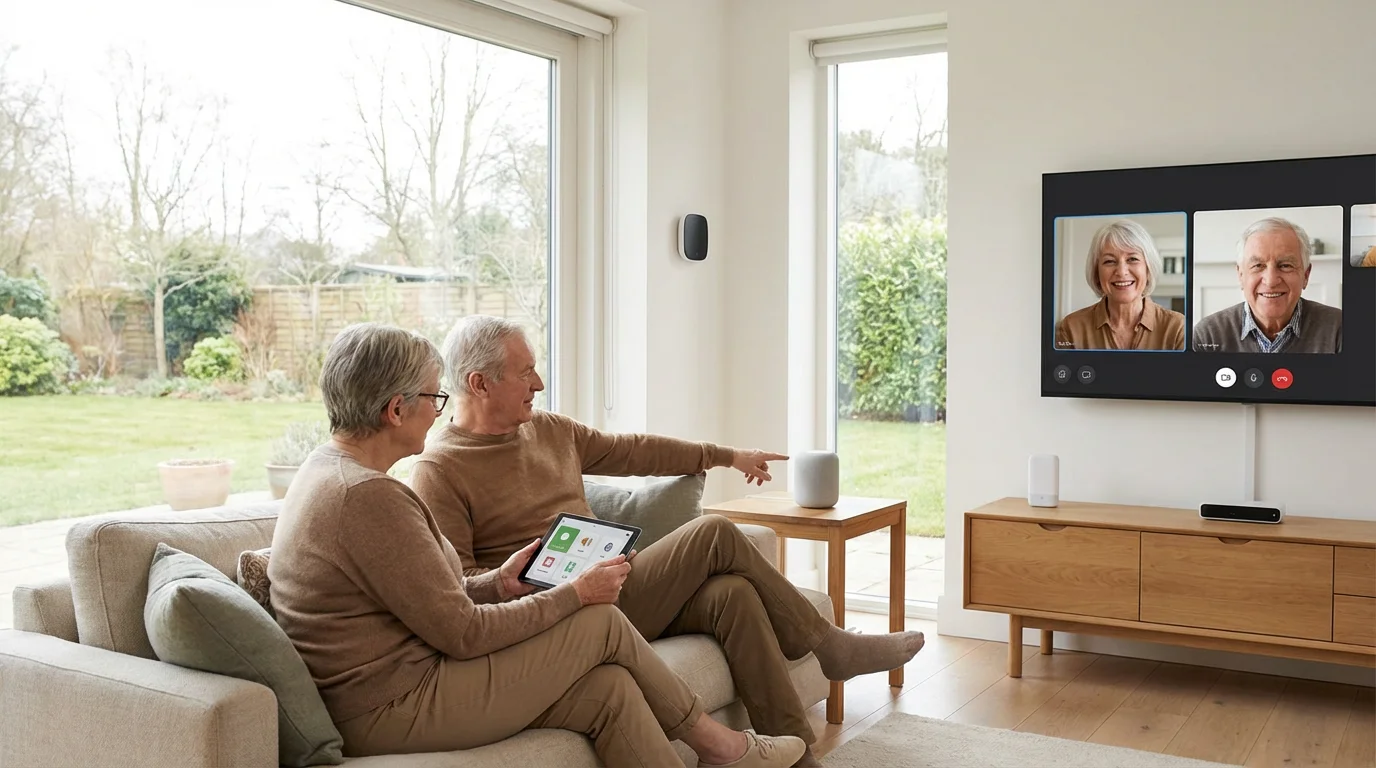
Embracing technology offers significant benefits for older Americans, from staying connected with family to managing health and finances. Many people think tech is complicated, but today’s senior technology focuses on user-friendliness and practical applications.
This guide explains the options, highlighting easy tech solutions that enhance your daily life.
When starting your digital journey, it is also important to prioritize preventing scams to safeguard your financial well-being.
You find simple ways to use tech gadgets, connect with loved ones, and stay secure through accessible devices. We provide actionable insights to demystify the digital world, ensuring you leverage its advantages without unnecessary stress.
Focus on the tools that genuinely improve your everyday experience.
In this guide9 sections
- Why Technology Enhances Your Retirement Life
- Smartphones: Your Gateway to Connection and Convenience
- Tablets: Easy Access to Information and Entertainment
- Smart Speakers and Voice Assistants: Hands-Free Help at Home
- Wearable Tech: Monitoring Your Health and Staying Safe
- Smart Home Devices: Simplifying Daily Tasks
- Online Safety: Protecting Your Digital World
- Learning and Support: Mastering Your New Tech
- Frequently Asked Questions

Why Technology Enhances Your Retirement Life
Technology opens doors to convenience, communication, and safety. For many seniors, it means reducing isolation and maintaining independence.
You gain tools that simplify tasks and keep you engaged with the world.
For instance, the internet makes it easier to apply for SNAP benefits for seniors, ensuring nutritional needs are met efficiently from home.
Consider the practical benefits. Technology helps you manage appointments, track your health, and access essential services from home.
Research from AARP indicates that older adults increasingly adopt technology for these precise reasons, improving their quality of life. This adoption rate reflects the growing accessibility and user-friendliness of modern devices.
Here are key areas where senior technology makes a difference:
- Social Connection: Video calls and social media keep you in touch with family and friends, regardless of distance.
- Health Management: Devices track fitness, remind you to take medication, and provide quick access to medical information.
- Convenience: Online banking, grocery delivery, and entertainment are easily accessible, saving you time and effort.
- Safety and Security: Smart home devices and personal alert systems help you call for help in an emergency.
- Learning and Hobbies: Online courses, e-books, and digital communities support continuous learning and new interests.
Smartphones: Your Gateway to Connection and Convenience
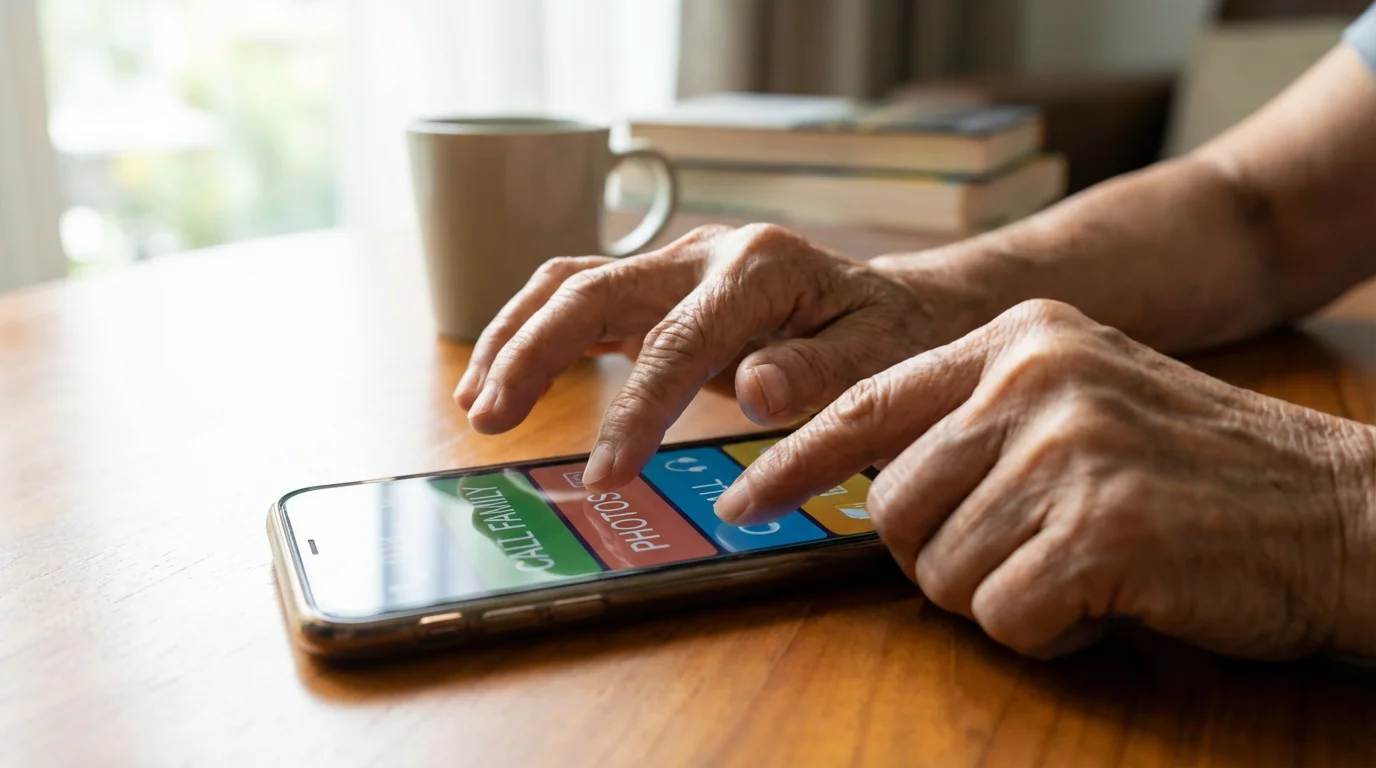
Learning how to use smartphones for seniors empowers you with a versatile tool for daily life. Modern smartphones offer large screens, simplified interfaces, and voice control, making them less intimidating.
You can easily make calls, send texts, and access a wealth of information.
Many retirees also use their smartphones to quickly find senior discounts at major retailers while out shopping.
Additionally, your smartphone can host various free budgeting tools for retirees to help you track expenses on the go.
Choose a smartphone with features designed for ease of use. Brands like Apple (iPhone) and Samsung (Galaxy) offer accessibility settings that enlarge text, simplify menus, and provide voice assistance.
Many carriers also offer specific senior plans with dedicated customer support.
Practical uses for your smartphone include:
- Staying Connected: Use apps like FaceTime or Zoom for video calls with family. Texting provides a quick way to share updates.
- Accessing Information: Search the internet for weather forecasts, news, or directions. Google Maps helps you navigate unfamiliar areas with turn-by-turn voice guidance.
- Managing Health: Set medication reminders, track steps, or access telehealth appointments. Many healthcare providers now offer portals through smartphone apps.
- Entertainment: Stream music, listen to podcasts, or read e-books. You have a library of entertainment at your fingertips.
- Emergency Services: Most smartphones allow quick access to emergency services with a simple button press or voice command.
Consider attending a local workshop or asking a trusted family member for guidance as you learn. Practice makes perfect when exploring your new device.

Tablets: Easy Access to Information and Entertainment
Tablets combine the simplicity of a smartphone with a larger screen, making them ideal tech gadgets for seniors who prefer bigger visuals. They excel for reading, browsing the internet, watching videos, and video calling.
Their touch interfaces are often intuitive, requiring only finger taps and swipes.
The best tech gadgets for seniors in the tablet category prioritize screen size and ease of navigation. Apple iPads and various Android tablets offer excellent accessibility features.
Many specialized tablets for seniors also exist, featuring simplified menus and pre-loaded essential apps.
How tablets enhance your daily routine:
- Enhanced Reading: The larger screen makes reading e-books, news articles, and digital magazines more comfortable on your eyes.
- Video Communication: Enjoy clearer and larger video calls with family members. Seeing their faces on a bigger screen makes conversations feel more personal.
- Digital Art and Games: Explore creative apps or play brain-training games designed to keep your mind active.
- Portable Entertainment: Watch your favorite movies and TV shows from anywhere in your home, or even when traveling.
- Recipe Viewing: Follow recipes in the kitchen without squinting at a tiny phone screen, often with hands-free stands.
Learning to use a tablet involves exploring its apps and settings. Start with the basics, like adjusting screen brightness and connecting to Wi-Fi, then gradually discover new features.
You will find it becomes second nature over time.

Smart Speakers and Voice Assistants: Hands-Free Help at Home
Smart speakers, like Amazon Echo (Alexa) and Google Nest, represent easy tech that simplifies many daily tasks. You control them with your voice, making them accessible even if you have dexterity challenges.
These devices act as a central hub for information and automation in your home.
You simply speak commands, and the device responds. For instance, ask Alexa or Google Assistant for the weather, news headlines, or to play your favorite music.
This hands-free interaction proves incredibly convenient, especially if you move around the house frequently.
Key benefits of smart speakers:
- Information Retrieval: Instantly get answers to questions, check sports scores, or find out historical facts.
- Music and Audio: Play thousands of songs, audiobooks, or podcasts without needing to operate a stereo system.
- Reminders and Alarms: Set alarms for waking up or reminders for appointments, medication, or watering plants.
- Communication: Make hands-free calls to friends and family or send voice messages.
- Smart Home Control: If you have smart lights or thermostats, you can adjust them with voice commands.
Setting up a smart speaker usually involves downloading an app on a smartphone or tablet, but once configured, voice commands are all you need. Many people find these tech gadgets for seniors enhance their independence significantly.
Wearable Tech: Monitoring Your Health and Staying Safe
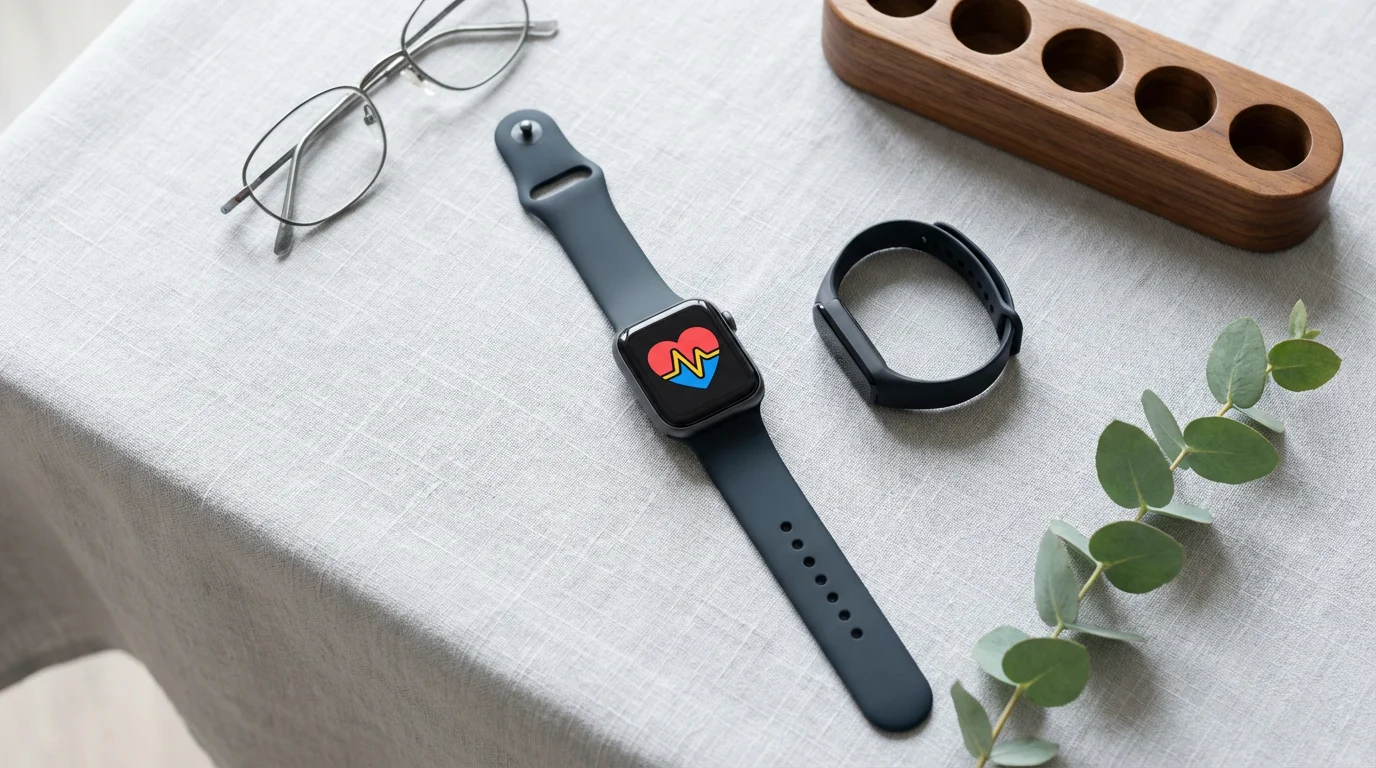
Wearable technology, such as smartwatches and fitness trackers, offers practical benefits for health monitoring and personal safety. These small devices worn on your wrist or clothing passively collect data about your activity and vital signs.
You gain insights into your health and have a discreet way to call for help if needed.
For older adults, features like fall detection and emergency contact capabilities are particularly valuable. Many smartwatches allow you to press a button or use a voice command to contact emergency services or a pre-selected family member.
This provides an important layer of security.
Specific advantages of wearable senior technology:
- Activity Tracking: Monitor your steps, distance walked, and calories burned, encouraging an active lifestyle.
- Heart Rate Monitoring: Keep an eye on your heart rate throughout the day and during exercise.
- Sleep Tracking: Understand your sleep patterns and identify areas for improvement in rest quality.
- Fall Detection: Some smartwatches automatically detect a fall and can alert emergency contacts or services.
- Emergency SOS: Quickly send an alert with your location to designated contacts or emergency responders with a simple tap.
- Medication Reminders: Receive discreet vibrations or alerts on your wrist reminding you to take medication.
While the initial setup can seem technical, daily use becomes very straightforward. You mostly wear the device, and it does its work.
Review the data periodically on a paired smartphone or tablet to gain health insights.
Smart Home Devices: Simplifying Daily Tasks
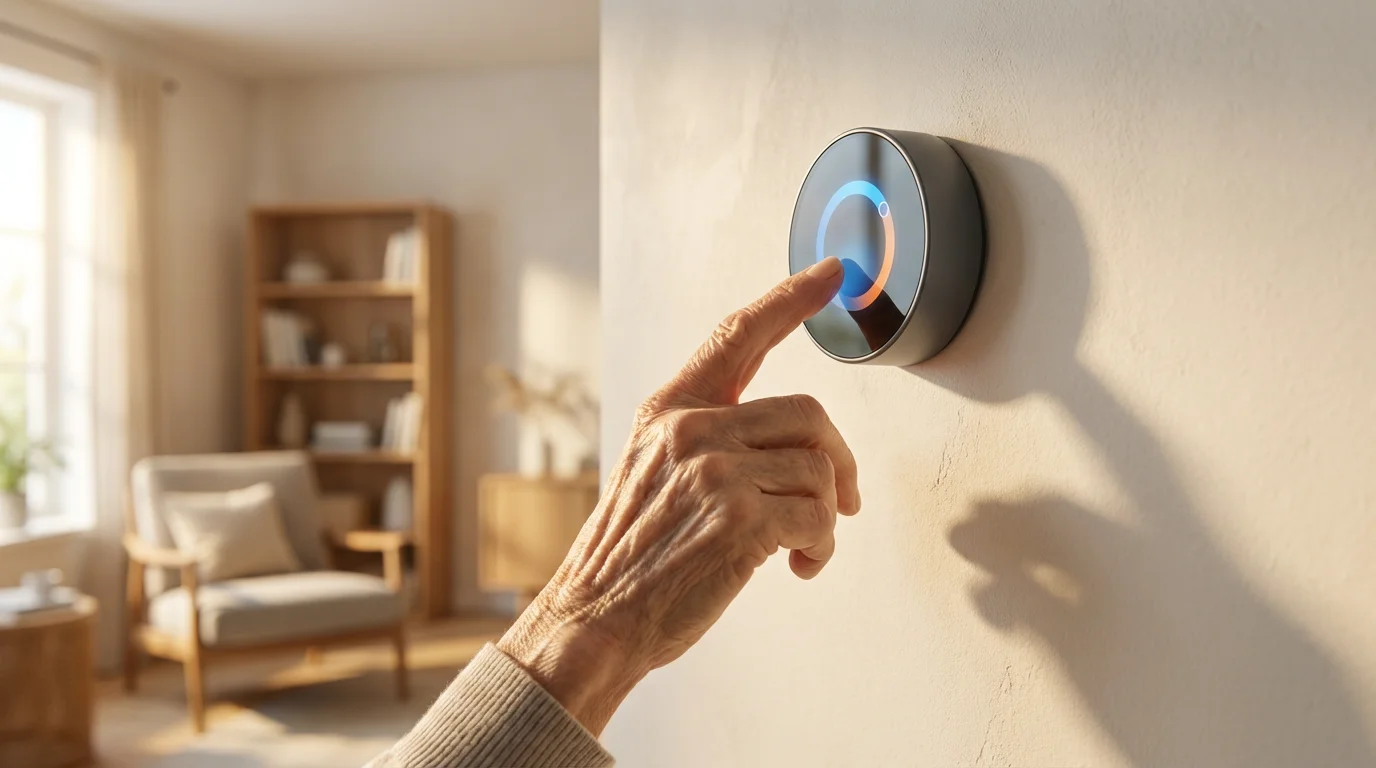
Smart home technology offers incredible convenience and enhances safety around your house. These tech gadgets allow you to control lights, thermostats, and even door locks using voice commands or a smartphone app.
You simplify routine tasks and make your home more comfortable and secure.
Before installing new equipment, you might consider decluttering your home to ensure your living space remains organized and accessible for new tech.
Integrating these technologies is a key component of home modifications for accessibility that help you age in place comfortably.
Consider a smart thermostat that learns your preferences, adjusting temperatures automatically throughout the day. This saves energy and ensures your home stays comfortable without constant manual adjustments.
Smart lighting systems allow you to turn lights on or off from bed or schedule them to activate at specific times.
Here are practical applications for smart home senior technology:
- Smart Lighting: Turn lights on or off with your voice, a remote, or an app. This helps prevent falls in the dark and saves energy.
- Smart Thermostats: Control your home’s temperature from anywhere, ensuring comfort and potentially lowering utility bills.
- Video Doorbells: See and speak to visitors without opening the door, enhancing your home security. Many systems record activity for later review.
- Smart Locks: Lock and unlock doors remotely, or give temporary access codes to caregivers or visitors. This eliminates fumbling with keys.
- Automated Blinds/Shades: Open or close window coverings automatically, controlling natural light and privacy.
While setting up a smart home system can involve a learning curve, the daily operation becomes very intuitive. Many devices integrate with smart speakers, allowing voice control for ultimate ease of use.
Always ensure you purchase devices from reputable brands for security and reliability.

Online Safety: Protecting Your Digital World
Embracing senior technology means also understanding how to protect yourself online. Scammers often target older adults, making online safety a critical aspect of your digital life.
You can take several straightforward steps to safeguard your personal information and finances. Federal Trade Commission consumer advice on how to avoid a scam recommends never sending money or sharing account credentials with unexpected contacts demanding immediate payment.
A vital part of staying safe is avoiding scams targeting seniors, which often use sophisticated digital methods to compromise your identity.
Always exercise caution when clicking on links in emails or text messages from unknown senders. Verify the sender’s identity before sharing any personal details.
Remember that legitimate organizations, like your bank or the Social Security Administration, will rarely ask for sensitive information like your Social Security number or bank account details via email.
Essential tips for online security:
- Strong Passwords: Create unique, complex passwords for each online account. Use a combination of uppercase and lowercase letters, numbers, and symbols.
- Two-Factor Authentication (2FA): Enable 2FA whenever possible. This adds an extra layer of security, requiring a code from your phone in addition to your password.
- Recognize Phishing: Be wary of unsolicited emails or messages asking for personal information or offering too-good-to-be-true deals.
- Secure Wi-Fi: Only use secure, password-protected Wi-Fi networks. Avoid conducting financial transactions on public Wi-Fi.
- Software Updates: Keep your operating system and apps updated. Updates often include security patches that protect against new threats.
- Backup Data: Regularly back up important photos and documents to a cloud service or external hard drive.
If you suspect you have encountered a scam, cease communication immediately. Report suspicious activity to the appropriate authorities, such as the Federal Trade Commission.
The Consumer Financial Protection Bureau also offers resources to help you identify and avoid financial scams. You play a crucial role in protecting your digital self.

Learning and Support: Mastering Your New Tech
Learning new technology can feel daunting, but numerous resources exist to support you. You do not need to figure everything out on your own.
Accessing proper guidance ensures you gain confidence and fully utilize your new tech gadgets.
Many community centers and libraries offer free technology classes specifically for seniors. These classes provide hands-on experience and allow you to ask questions in a supportive environment.
Websites like AARP also offer online tutorials and guides on various tech topics, from using social media to setting up smart devices.
Where to find help with senior technology:
- Community Centers: Check local senior centers or community organizations for beginner tech classes.
- Public Libraries: Many libraries offer computer literacy programs and one-on-one tech help sessions.
- Family and Friends: Do not hesitate to ask trusted loved ones for assistance. A patient family member can provide personalized coaching.
- Online Tutorials: Websites like YouTube host countless video tutorials for almost any device or software. Search for “how to use [device name]” or “easy tech for seniors.”
- Device Manufacturers: Most companies provide detailed user manuals and online support forums for their products.
- Tech Support Services: Some retailers offer paid tech support services for setup and troubleshooting.
Start with one device or application and gradually expand your knowledge. Celebrate small victories and remember that everyone learns at their own pace.
You will soon use technology with confidence and enjoy its many benefits.
Frequently Asked Questions
What are the best tech gadgets for seniors who are new to technology?
For beginners, the best tech gadgets include simplified smartphones or tablets with large screens, easy tech interfaces, and voice control capabilities. Smart speakers like Amazon Echo or Google Nest also offer great accessibility through voice commands.
Consider devices specifically marketed as “senior-friendly” for simplified user experiences.
How can I make my smartphone easier to use?
You can make your smartphone easier to use by adjusting its accessibility settings. Enlarge text size, enable high contrast display, and use voice assistants like Siri or Google Assistant for hands-free operation.
Many phones also offer “easy mode” or “senior mode” interfaces, which simplify the home screen and app layout. Learning how to use smartphones for seniors often starts with these basic adjustments.
Is online banking safe for seniors?
Online banking is generally safe when you follow security best practices. Use strong, unique passwords, enable two-factor authentication, and avoid banking on public Wi-Fi networks.
Always access your bank’s website directly by typing the URL, rather than clicking links in emails. Your bank uses encryption to protect your data, but you must also practice caution.
Where can I find support if I need help with my new tech?
Many resources offer support for senior technology users. Check your local library or senior center for free tech classes.
Trusted family members or friends can provide personalized assistance. Online tutorials, manufacturer websites, and dedicated tech support services also offer guidance.
You are not alone in your learning journey.
What are some easy tech options for staying connected with family?
Video calling apps like FaceTime, Zoom, or WhatsApp are excellent easy tech options for staying connected. Smartphones and tablets facilitate these calls, allowing you to see and speak with loved ones.
Email and texting also provide simple ways to share updates and photos. Smart speakers can also offer hands-free calling to designated contacts.
Disclaimer: This article is for informational purposes only. Benefits, programs, and regulations can change.
We encourage readers to verify current information with official government sources and consult with qualified professionals for personalized advice.