
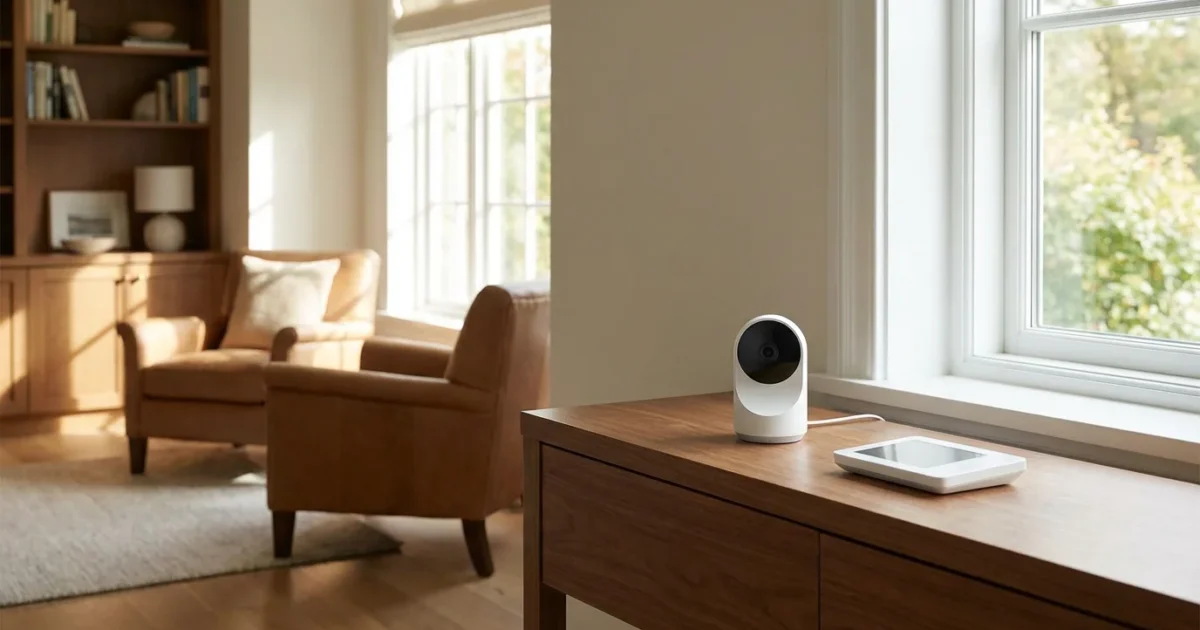
As you approach or enter retirement, protecting your home and assets becomes a top priority. Your home is more than just a place to live, it is your sanctuary, filled with cherished memories and valuable possessions. A reliable home security system offers peace of mind, ensuring your retirement years remain secure and worry-free.
For those exploring new living arrangements, housing assistance programs for seniors can help you find safe, secure, and affordable options.
In addition to a security system, performing regular home maintenance and safety checks is vital for a safe living environment.
This article guides you through the world of home security, focusing on what matters most for seniors. You will discover practical insights, compare different systems, understand costs, and learn how to choose the best home security for your needs. Securing your retirement nest protects your physical safety and your financial well-being.
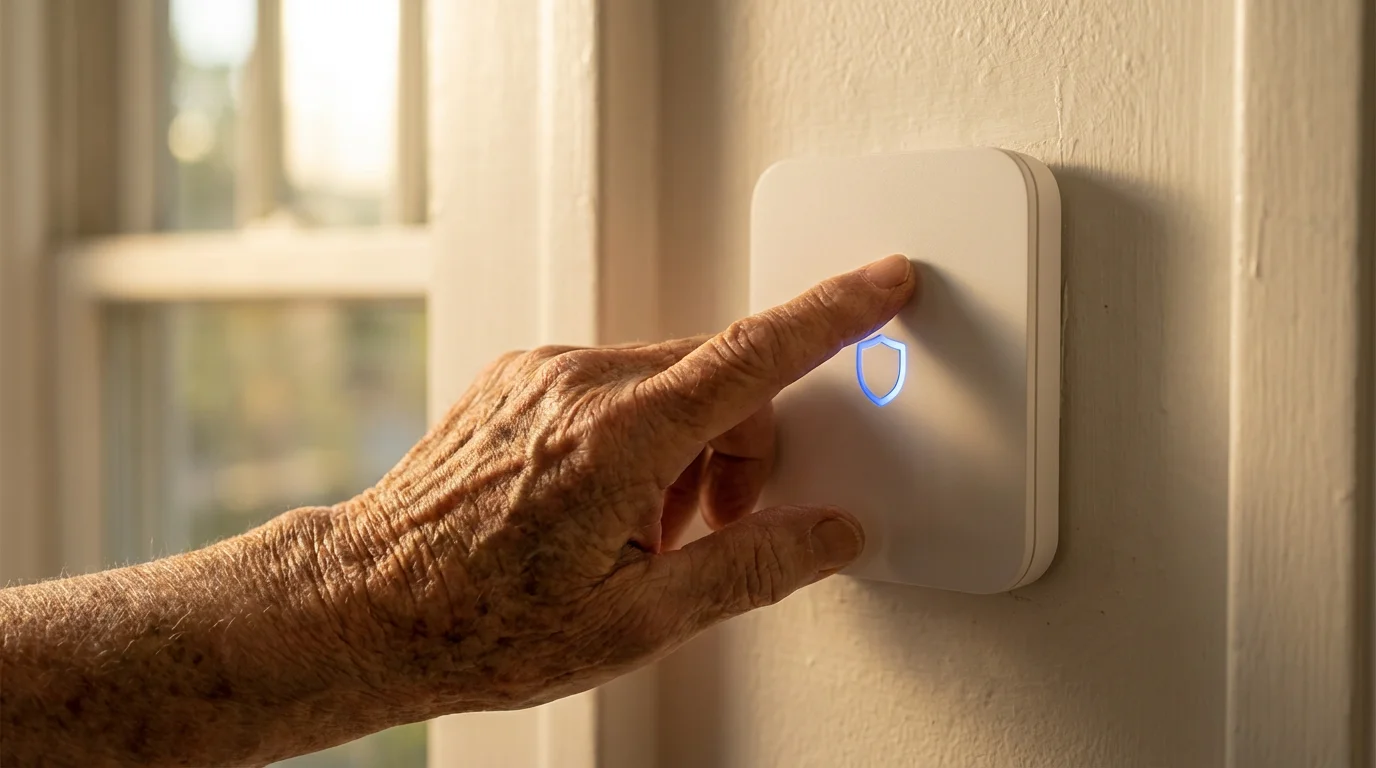
Understanding Home Security for Seniors
Retirement brings new freedoms and potentially new concerns. Many seniors spend more time at home, making a secure environment even more essential. Home security systems deter intruders and provide a quick response in emergencies, offering significant comfort.
Many retirees integrate these alarm systems as part of broader home modifications for accessibility to ensure they can stay in their homes safely as they age.
Your unique needs as a senior shape your ideal home security system. You may prioritize ease of use, medical alert features, or remote monitoring capabilities. Understanding these specific requirements guides you towards the right choice for your lifestyle.
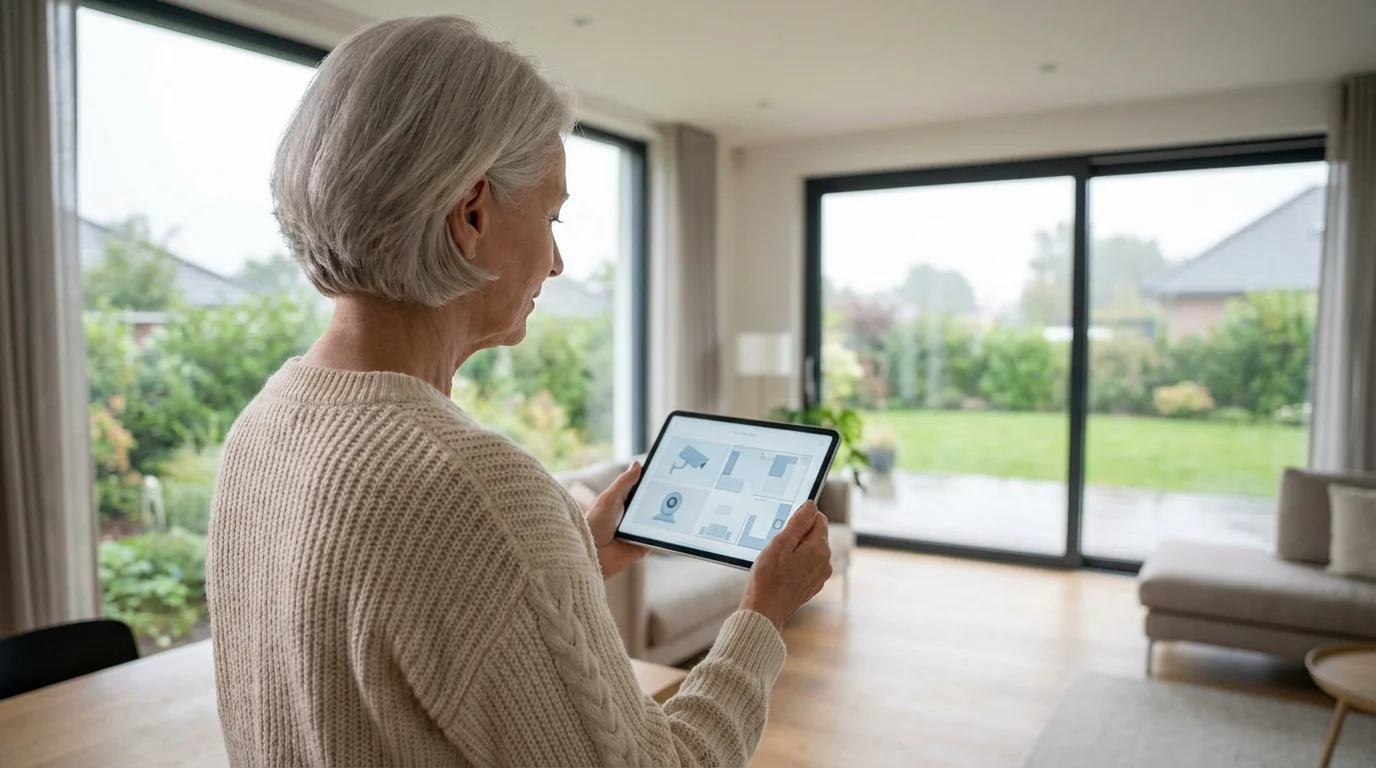
Why Home Security Matters in Retirement
Protecting your home safeguards your assets and your sense of security. Unfortunately, seniors sometimes become targets for property crimes. A visible and effective home security system significantly reduces your vulnerability.
If you are currently downsizing your home, choosing a modern security system is a key step in setting up your new, simplified residence.
Beyond physical theft, protecting your finances from digital scammers is another essential component of a secure retirement.
Consider these key reasons why home security gains importance during retirement:
- Asset Protection: Your home contains valuable items and sentimental possessions. A security system helps protect these investments against theft.
- Personal Safety: Knowing your doors and windows are secure allows you to relax in your own home. In an emergency, a monitored system can alert authorities swiftly.
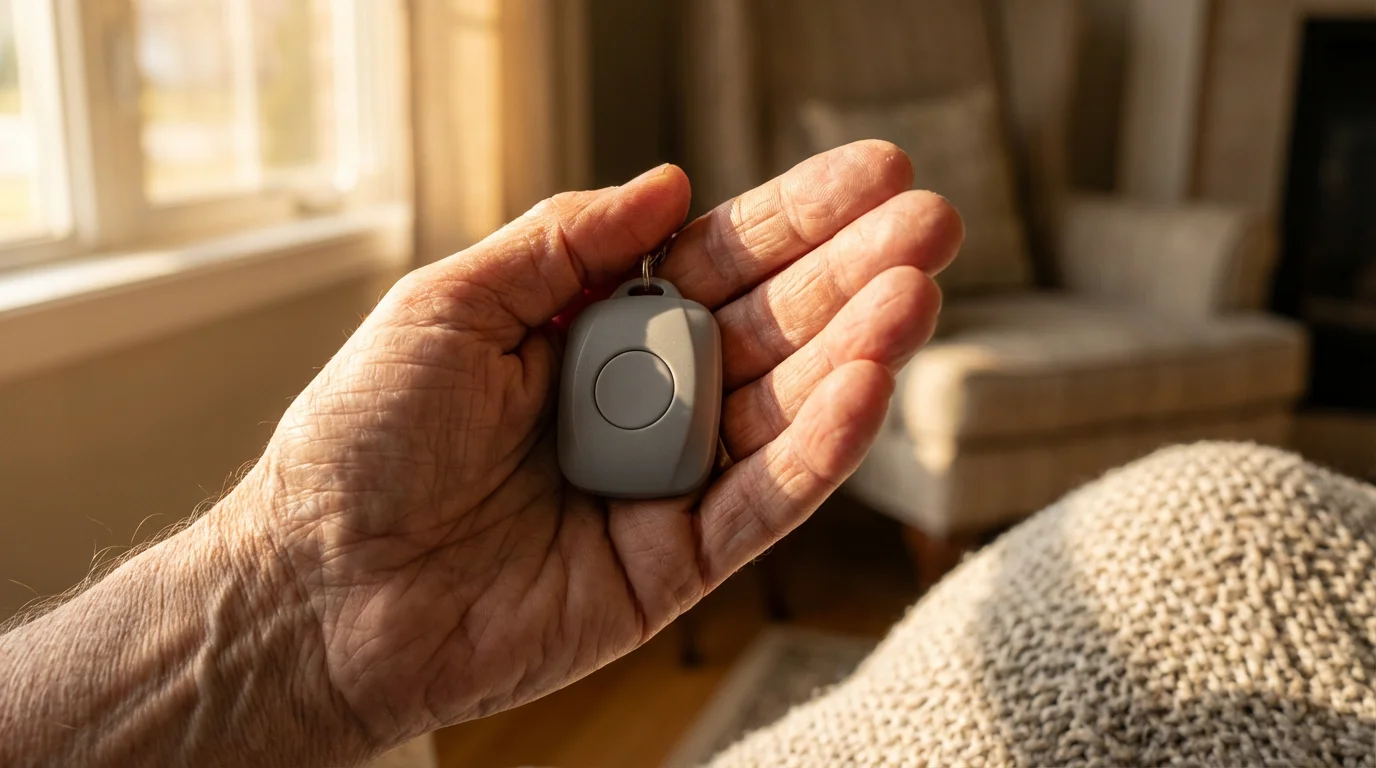
- Medical Emergencies: Many modern security systems integrate medical alert functions, providing an extra layer of senior security. You can summon help with the press of a button.
- Travel Peace of Mind: If you enjoy traveling during retirement, a security system lets you monitor your home remotely. You can check on your property from anywhere, reducing worries while you are away.
- Insurance Discounts: Many insurance providers offer discounts on homeowners insurance premiums for homes equipped with security systems. This saves you money over time. Organizations like AARP provide resources on home safety and security for seniors, offering valuable insights and tips.
Key Features for Senior Home Security
When you evaluate different alarm systems, look for features that specifically address senior needs. A system designed with accessibility and reliability in mind provides the most benefit. Prioritize ease of use and effective emergency response.
For help evaluating these technical features, your local Area Agency on Aging can often provide checklists or referrals to trusted safety specialists.
Consider these essential features:
- Ease of Use: Choose a system with simple controls and clear instructions. Avoid complex interfaces that could create confusion during an emergency.
- 24/7 Professional Monitoring: A monitoring service contacts emergency services on your behalf when an alarm triggers. This ensures a rapid response even if you cannot call for help yourself.
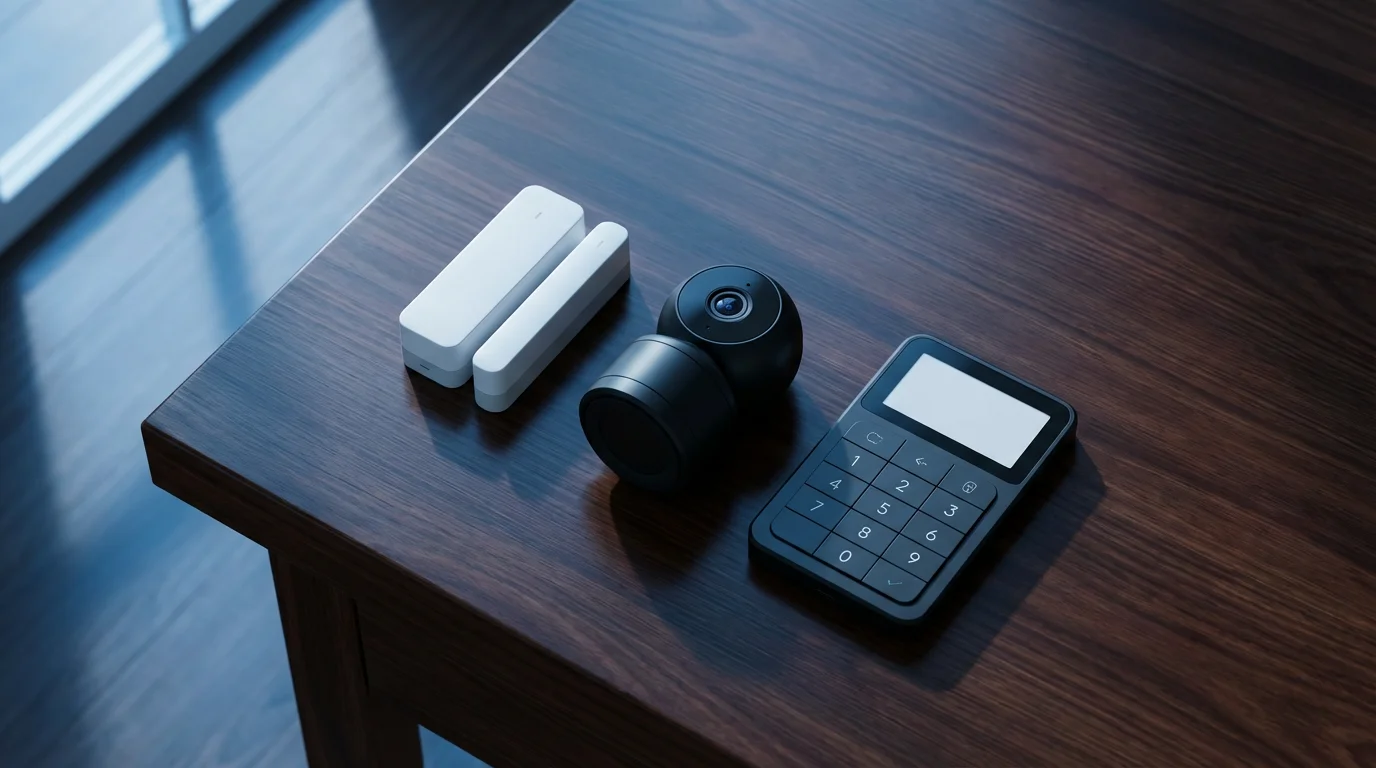
- Door and Window Sensors: These fundamental components detect forced entry, immediately alerting you and the monitoring service. Ensure coverage for all ground-floor access points.
- Motion Detectors: Interior motion sensors catch any movement inside your home. Position them strategically to avoid false alarms from pets.
- Environmental Sensors: Smoke, carbon monoxide, and flood detectors integrate with many modern home security systems. They offer protection against non-intrusion related emergencies.
- Medical Alert Integration: Some systems include or offer add-on panic buttons or wearable devices. These allow you to call for medical assistance instantly.
- Remote Access and Control: Use a smartphone app to arm or disarm your system, view live camera feeds, and receive alerts from anywhere. This feature is particularly useful when you travel or when family members need to check on your home.
- Battery Backup: Power outages can compromise your security. A reliable battery backup ensures your system remains operational during electrical failures.
- Two-Way Communication: Speak directly with monitoring personnel through a control panel or camera. This helps verify emergencies and provides reassurance.
Comparing Popular Home Security Systems
Choosing the best home security systems for seniors involves weighing various factors like cost, features, and monitoring options. Several popular choices exist, each with its unique advantages. You will find systems catering to different budgets and preferences, from DIY installations to professionally managed services.
Here, you compare three common types of home security systems, offering specific examples to illustrate their characteristics:
SimpliSafe: Flexible DIY Security
SimpliSafe offers a popular do-it-yourself (DIY) approach to home security. You purchase the equipment upfront and install it yourself, typically a straightforward process without complex wiring. This option appeals to those who prefer flexibility and avoid long-term contracts.
- Pros:
- No long-term contracts required for monitoring.
- Easy, wireless self-installation.
- Affordable monthly monitoring fees, starting around $18 per month for basic services.
- Offers a wide range of sensors, cameras, and environmental detectors.
- Good customer service and equipment warranty.
- Cons:
- Requires an upfront investment in equipment, which can range from $200 to over $500 depending on the package.
- Self-installation means you handle troubleshooting unless you opt for professional assistance.
- Limited smart home integration compared to some competitors.
Ring Alarm: Smart Home Integration and Affordability
Ring, well-known for its video doorbells, also provides a comprehensive home security system. Its strong integration with Amazon Alexa and other smart home devices makes it attractive for tech-savvy retirees. Ring offers affordable self-monitoring options and professional monitoring at a competitive price.
- Pros:
- Seamless integration with Ring video doorbells and cameras.
- Affordable monthly monitoring plans, often under $20 per month.
- Easy DIY installation.
- Strong smart home ecosystem, connecting with many other smart devices.
- Offers a wide array of sensors, sirens, and outdoor cameras.
- Cons:
- Relies heavily on Wi-Fi connection for full functionality.
- Equipment requires an upfront purchase, similar to SimpliSafe.
- Some users report issues with customer support response times.
ADT: Professional Installation and Comprehensive Service
ADT represents the gold standard in professionally installed and monitored home security. With a long history in the industry, ADT provides robust systems, professional installation, and 24/7 monitoring. This service suits those who prefer expert setup and hands-off management of their security needs.
- Pros:
- Professional installation ensures correct setup and optimal security.
- Comprehensive 24/7 professional monitoring with rapid response times.
- Robust equipment and reliable service from a long-standing company.
- Often integrates smart home features and environmental monitoring.
- Excellent customer support and technical assistance.
- Cons:
- Requires long-term contracts, typically 2-3 years.
- Higher monthly monitoring fees, generally starting from $30-$50 per month, depending on features.
- Significant upfront costs for equipment and installation, although promotional offers can reduce this.
- Less flexibility in system customization compared to DIY options.
DIY vs. Professional Installation
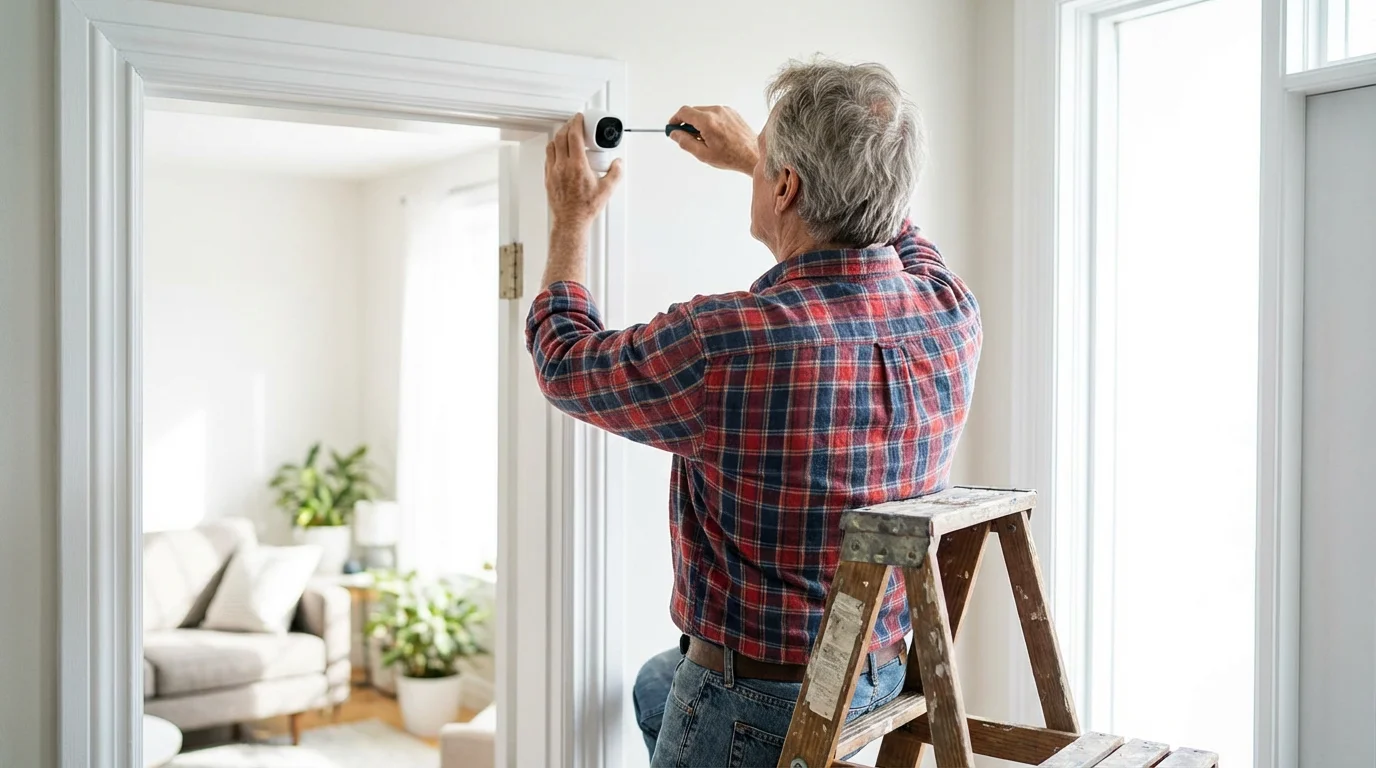
You face a significant decision when choosing how to set up your home security system. Both do-it-yourself (DIY) and professionally installed systems offer distinct advantages and disadvantages. Your comfort level with technology and your budget often guide this choice.
Do-It-Yourself (DIY) Systems
DIY systems like SimpliSafe or Ring typically involve wireless components you install yourself. These systems often come with user-friendly instructions and apps. You connect sensors, cameras, and a central hub to your home’s Wi-Fi network.
- Advantages:
- Lower upfront installation costs, as you pay for equipment only.
- No long-term contracts required for many systems.
- Flexibility to customize your system and add components as needed.
- You maintain full control over the setup and troubleshooting.
- Disadvantages:
- Requires some technical comfort for setup.
- You handle all troubleshooting and maintenance.
- May offer less robust security features compared to professional systems.
- Potentially more prone to user error during installation.
Professionally Installed Systems
Companies like ADT send trained technicians to your home to install and configure your entire security system. These systems often involve hardwired components and more complex setups. Technicians ensure optimal placement and functionality of all devices.
- Advantages:
- Expert installation ensures the system works correctly from day one.
- Often includes more advanced features and robust equipment.
- Provides peace of mind knowing professionals handle setup and maintenance.
- Comprehensive 24/7 professional monitoring is typically part of the package.
- Disadvantages:
- Higher upfront installation costs, sometimes hundreds of dollars.
- Requires long-term contracts, typically 2-3 years, with cancellation fees.
- Less flexibility for customization once installed.
- Monthly monitoring fees are generally higher.
Understanding Home Security Costs
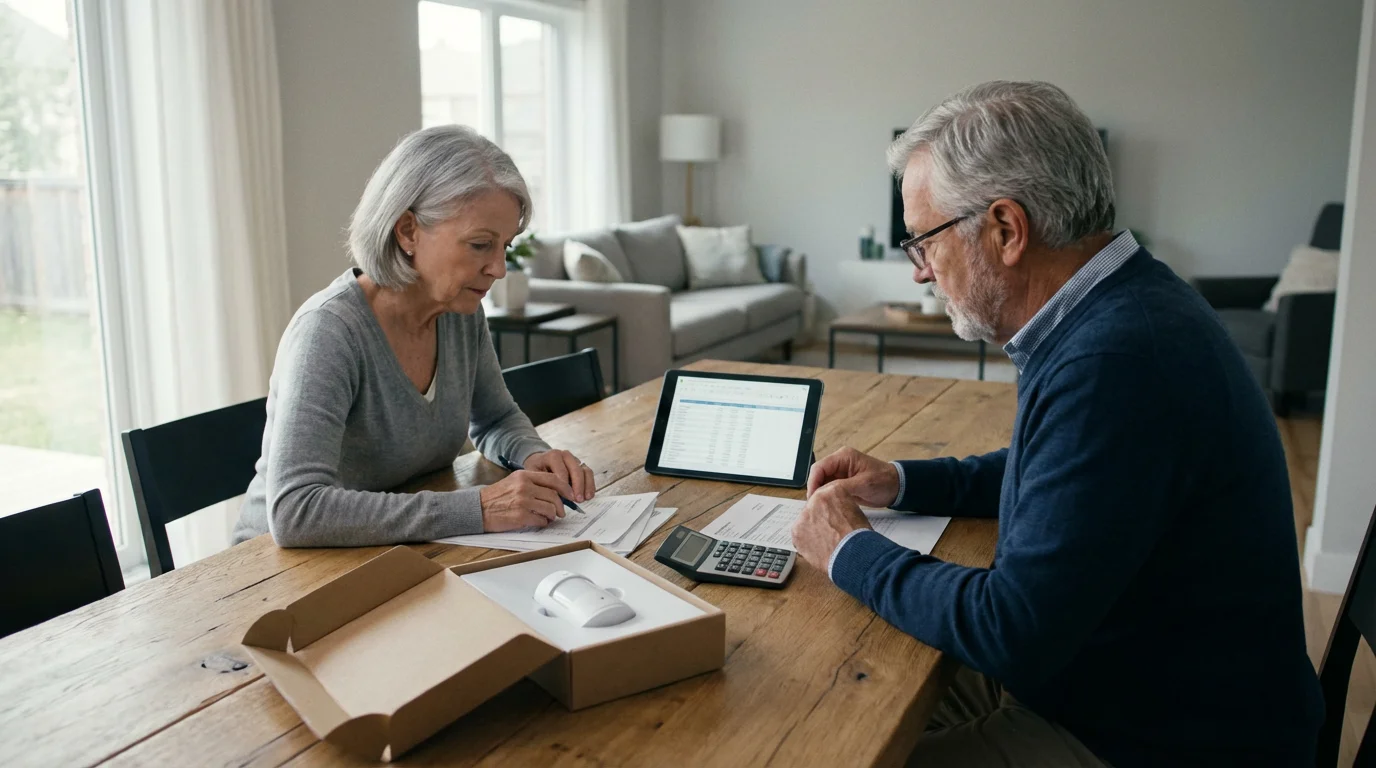
The total cost of home security involves more than just the initial equipment purchase. You must account for ongoing monitoring fees, potential installation charges, and additional equipment you might want. Understanding these components helps you budget effectively for senior security.
Break down the costs into these categories:
- Equipment Costs: This is your initial investment in sensors, cameras, control panels, and other devices. DIY systems require you to buy all equipment upfront, ranging from $150 for a basic kit to over $600 for extensive coverage. Professionally installed systems may bundle some equipment into their service packages or require separate purchases, sometimes offered with significant discounts or free with a contract.
- Installation Fees: DIY systems have no installation fees because you do it yourself. Professional systems typically charge an installation fee, which can range from $99 to $299 or more. Some providers waive this fee with specific promotional offers or longer contracts.
- Monitoring Fees: This is your ongoing monthly expense for professional monitoring services.
- DIY Systems: Monthly monitoring for DIY systems like SimpliSafe or Ring generally costs between $10 and $30. Higher tiers offer more features, such as cellular backup or cloud storage for camera footage.
- Professional Systems: Monthly monitoring for professionally installed systems like ADT ranges from $30 to $60 or more. The price depends on the level of service, included smart home features, and the length of your contract.
- Maintenance and Warranty: Most reputable companies offer warranties on their equipment. However, you might incur costs for repairs or replacements outside the warranty period. Some professional services include maintenance checks as part of their contract.
The best security investment aligns with your specific needs and budget. Research options thoroughly to avoid unexpected expenses and ensure long-term satisfaction.
Remember to compare the total cost over the contract period, not just the monthly fee, when evaluating professional systems. A system with a lower monthly fee but high upfront costs might end up costing more overall. Always review contract terms carefully, and you can find general guidance on consumer rights from the Consumer Financial Protection Bureau.
Integrating Smart Home Tech for Senior Safety
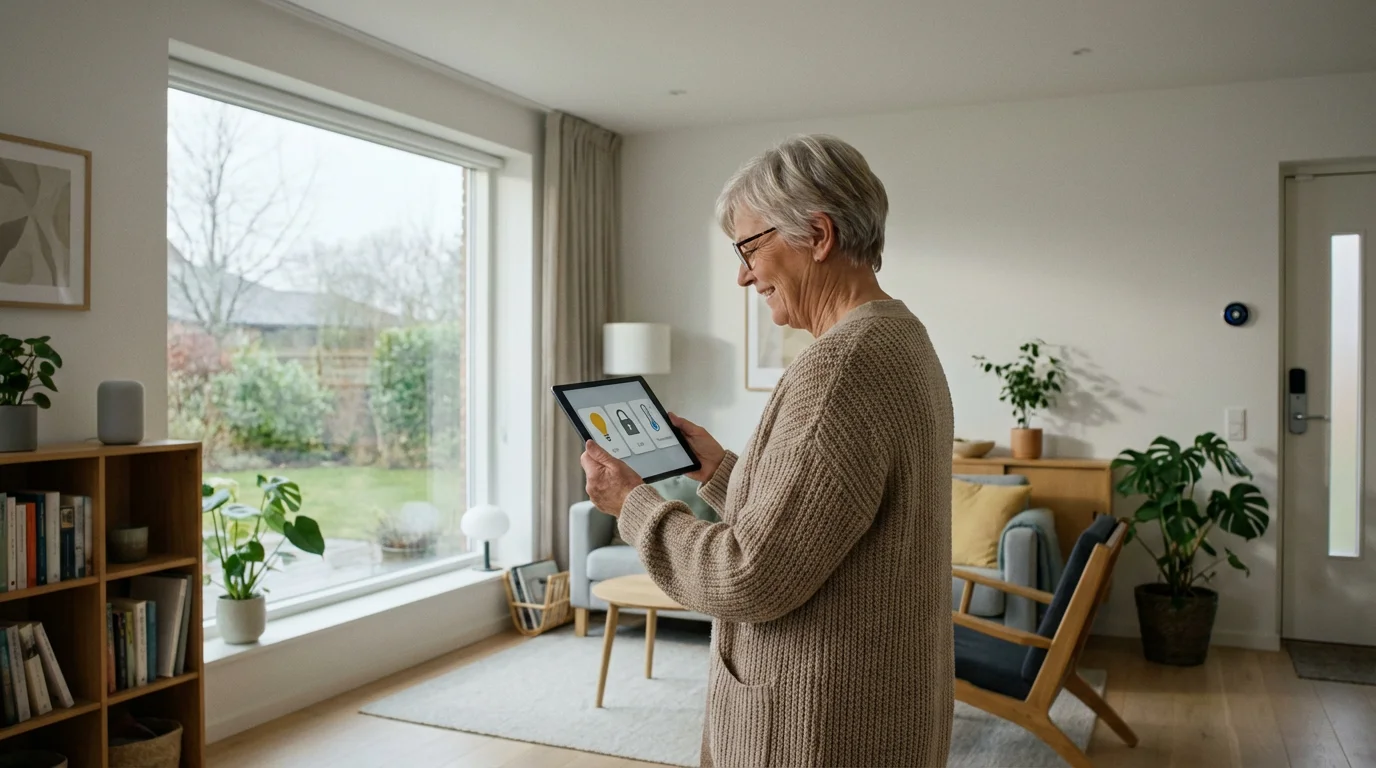
Smart home technology offers incredible potential to enhance senior security and daily convenience. You can connect your security system with other smart devices to create an integrated, responsive home environment. This integration adds layers of protection and automates routine tasks, simplifying your life.
Consider these integrations:
- Smart Lighting: Connect smart light bulbs or switches to your security system. Lights can automatically turn on when a motion sensor triggers or when you disarm your system. You can also program lights to turn on and off randomly when you are away, making it appear someone is home.
- Smart Locks: Replace traditional locks with smart locks you control remotely. You can unlock the door for a trusted visitor or a caregiver from your phone, even if you are not home. Some systems integrate with smart locks to automatically lock doors when you arm the system.
- Voice Assistants: Devices like Amazon Echo or Google Home integrate with many security systems. You can arm or disarm your system using voice commands, check the status of sensors, or view camera feeds on a smart display. This offers hands-free control, especially helpful for those with mobility issues.
- Smart Thermostats: While not directly security related, smart thermostats can adjust temperatures based on whether you are home, saving energy and providing comfort. Some security systems integrate with thermostats for a centralized control panel.
- Video Doorbells: A video doorbell allows you to see and speak to visitors at your front door from anywhere. You can screen visitors without opening the door, enhancing your senior security. Many security brands offer their own video doorbells that integrate seamlessly.
Implementing smart home integration requires a reliable Wi-Fi network and a degree of comfort with technology. However, the benefits of convenience, energy savings, and enhanced security are substantial.
Tips for Choosing the Right System
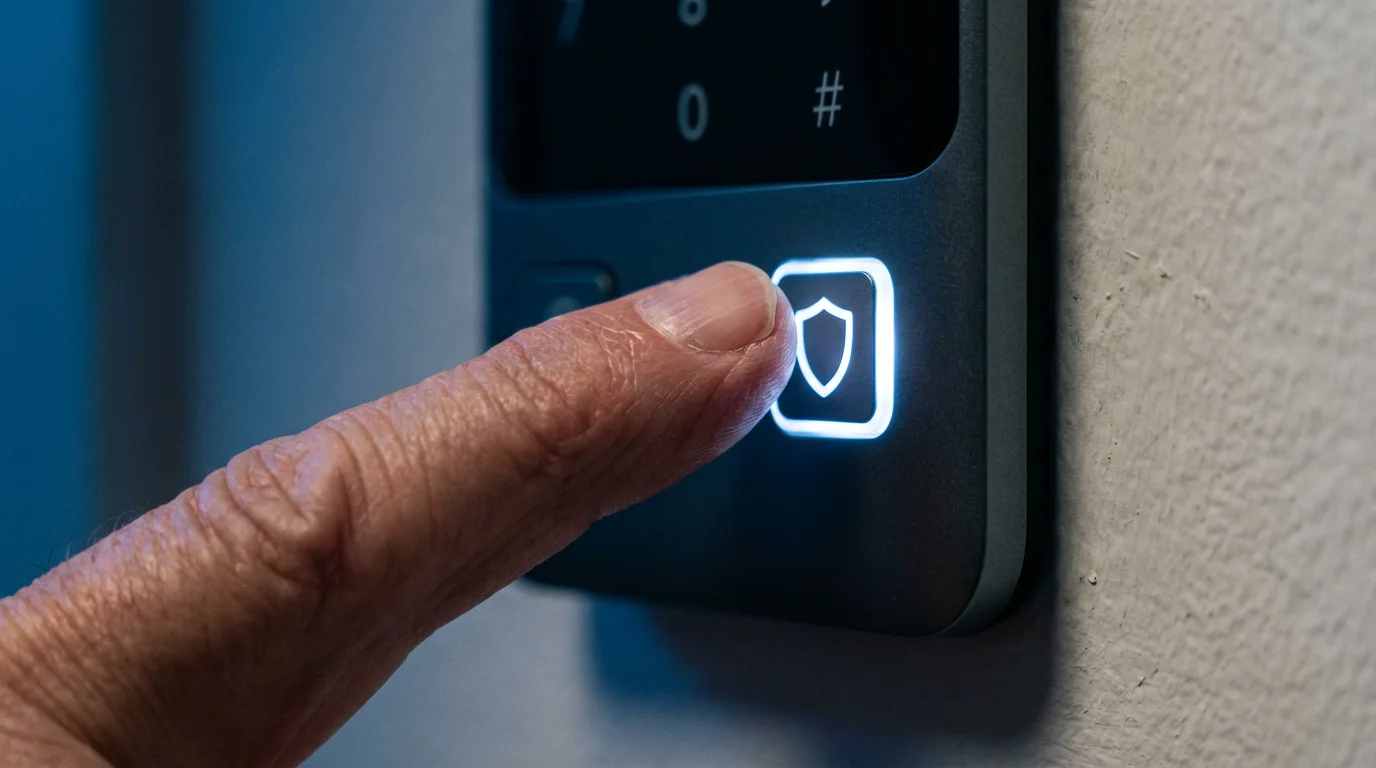
Selecting the ideal home security system involves careful consideration of your personal needs, budget, and lifestyle. Do not rush this decision. Take your time to research and compare options thoroughly. You want a system that provides consistent peace of mind without creating frustration.
Follow these steps to make an informed decision:
- Assess Your Needs: Determine what specific concerns you have. Are you worried about burglaries, medical emergencies, or monitoring your home while traveling? Your priorities guide your feature choices.
- Evaluate Your Home: Consider the size and layout of your home. How many doors and windows do you need to secure? Do you have a large yard requiring outdoor cameras?
- Set Your Budget: Define how much you can afford for both upfront equipment costs and ongoing monthly monitoring fees. Remember, the cheapest option may not offer adequate protection, and the most expensive may include unnecessary features.
- Research System Types: Understand the differences between DIY, professionally installed, monitored, and unmonitored systems. Refer to the comparisons provided earlier in this article.
- Look for Senior-Specific Features: Prioritize ease of use, medical alert options, large buttons, and clear audio. These features enhance senior security and accessibility.
- Read Reviews and Check Reputation: Research customer reviews from multiple sources. Look for consistent feedback regarding reliability, customer service, and false alarms. Check ratings with organizations like the Better Business Bureau.
- Compare Monitoring Plans: If you choose professional monitoring, carefully compare what each plan includes. Some offer basic intrusion detection, while others add environmental sensors, smart home integration, and video storage.
- Understand Contracts: For professional systems, scrutinize the contract terms. Pay close attention to contract length, cancellation policies, and any potential hidden fees.
- Ask About Warranties and Support: Ensure the system comes with a good warranty. Confirm the availability and responsiveness of customer support, as you may need assistance with your system.
- Verify with Official Sources: Always confirm details, pricing, and contract terms directly with the security provider. Offers and services frequently change.
Frequently Asked Questions
Can I get a home security system if I am on a fixed income?
Yes, many affordable home security options exist even on a fixed income. DIY wireless systems often have lower upfront equipment costs and more flexible, budget-friendly monitoring plans, some starting under $20 per month. You can also start with a basic system and add components as your budget allows. For information on potential financial assistance programs that might help with home security costs, consult resources like Benefits.gov.
What is the best home security system for seniors concerned about medical emergencies?
Look for systems that integrate medical alert functions, such as a panic button on the control panel or a wearable device. Many DIY and professionally monitored systems offer these features as add-ons. Ensure the monitoring center can dispatch medical help directly.
Do home security systems really deter burglars?
Yes, visible home security systems significantly deter potential intruders. Studies indicate that homes without security systems are statistically more likely targets for burglars. Visible cameras, alarm signs, and motion-activated lights send a clear message that your home is protected.
How much does home security cost per month for professional monitoring?
Monthly professional monitoring fees vary widely depending on the provider and the level of service. For DIY systems like SimpliSafe or Ring, basic monitoring often ranges from $10 to $30 per month. For professionally installed systems like ADT, expect to pay between $30 and $60 per month for comprehensive service.
Can I install a home security system myself, or do I need a professional?
You can absolutely install many home security systems yourself. DIY systems are designed for easy self-installation, often taking just an hour or two without special tools. Professionally installed systems require a technician, offering convenience and expert setup but usually at a higher cost and with a contract.
Disclaimer: This article is for informational purposes only. Benefits, programs, and regulations can change. We encourage readers to verify current information with official government sources and consult with qualified professionals for personalized advice.







Leave a Reply